1
Using Identity Driven Manager
Using the User Import Wizard
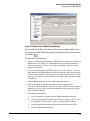
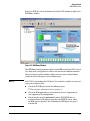
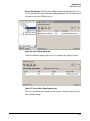
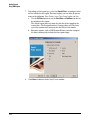
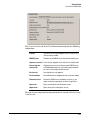
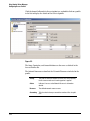
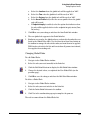
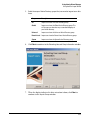
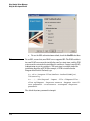
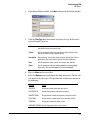
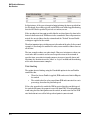
10. Click the Select checkbox to choose the users you want to import from
the Active Directory to IDM.
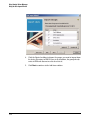
The current Import data is compared to the existing user list in IDM. If no
new (additional) users are found in the import data, the user list is empty.
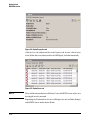
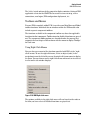
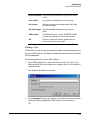
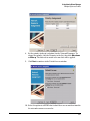
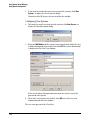
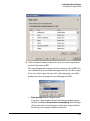
If any user exists in more than one Active Directory group, you will be
prompted to select the group the user will belong to in IDM.
a.
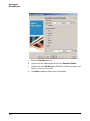
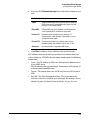
Select the group from the drop down list.
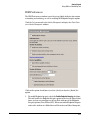
If you have a large number of users that belong to multiple groups,
click the checkbox to Assign all users to selected group. This will assign
all the users to the selected group in a single step, and you will not
need to repeat the group selection for each user.
3-55