1
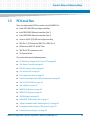
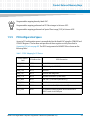
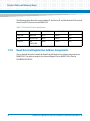
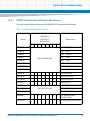
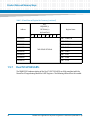
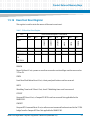
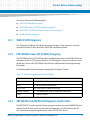
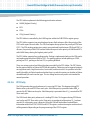
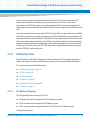
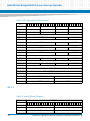
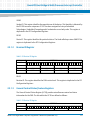
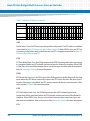
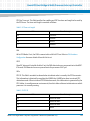
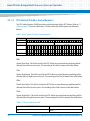
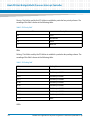
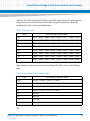
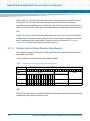
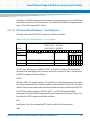
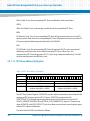
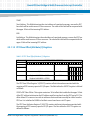
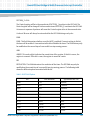
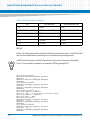
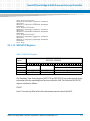
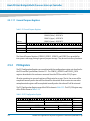
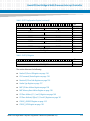
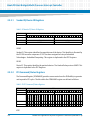
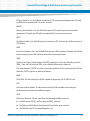
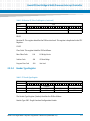
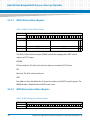
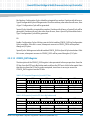
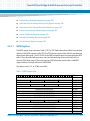
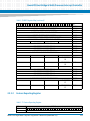
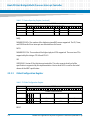
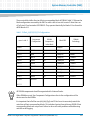
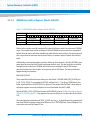
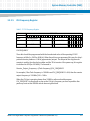
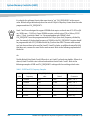
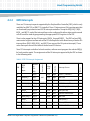
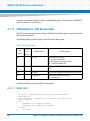
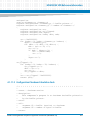
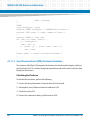
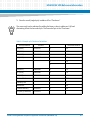
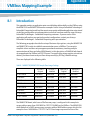
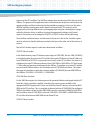
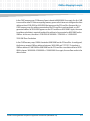
MVME5100 VPD Reference Information A.1.1 VPD Definitions - FLASH Memory Configuration Data on page 301 VPD Definitions - L2 Cache Configuration Data on page 302 VPD Definitions - VPD Revision Data on page 304 How to Read the VPD Information There are several ways to read VPD information: A.1.2 Version command - ver Displays most of the identification strings and hardware clock frequencies Serial EEPROM command - srom;i Can be used as a byte viewer Indirect block move command - ibm<addr>;i Reads the entire SROM block to memory Memory display command - md<addr> Can be used to display a VPD block which has been copied to memory Network I/O physical command - niop Can be used to upload a VPD block from memory to a network file How to Modify the VPD Information The following commands can be used to modify the VPD information in various ways: 294 Serial EEPROM command - srom;i Can be used as a byte editor Network I/O physical command - niop Can be used to download a VPD block from a network file to memory Indirect block move command - ibm<addr>;iw Writes a block of memory into the SROM MVME5100 Single Board Computer Programmer’s Reference (6806800H17B)