1
Using the Measurement Functions
4
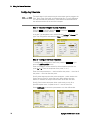
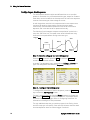
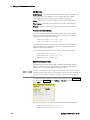
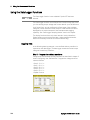
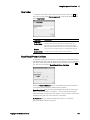
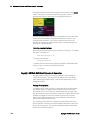
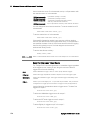
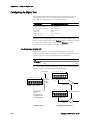
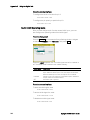
Step 2 – Configure the Data Logger traces:
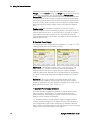
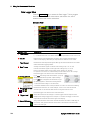
• Check V1
• Uncheck V2 through V4 as well as the current and power traces.
• Use the Vertical Volts/Div. knob to set V1 10 V/Div.
• Use the Offset knob to move the V1 trace to the bottom of the grid.
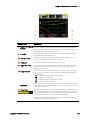
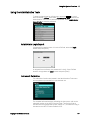
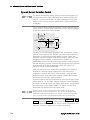
Traces are color coded according to output. The ground symbol on the
right side of the display indicates the ground reference of the trace.
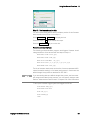
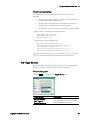
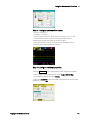
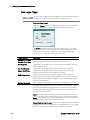
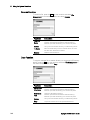
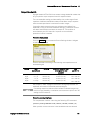
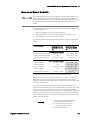
Step 3 – Configure the Data Logger properties:
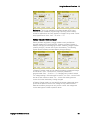
Press the Properties key to configure the data logger properties:
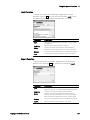
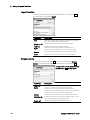
• Leave the default Duration and Sample Period at 30 seconds and 100
milliseconds respectively.
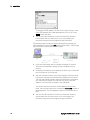
• Select the Trigger button and set the trigger source to
Arb Run/Stop Key.
Keysight N6705 User’s Guide
121