1
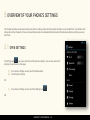
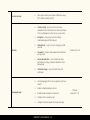
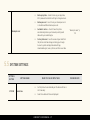
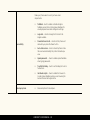
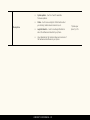
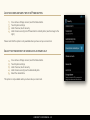
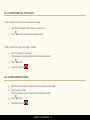
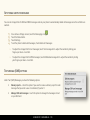
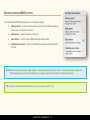
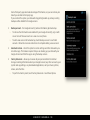
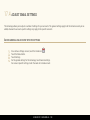
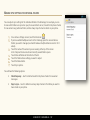
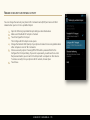
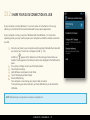
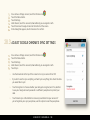
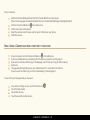
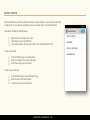
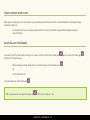
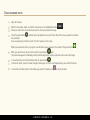
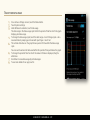
16 BACK UP & RESET You can back up settings and other data associated with one or more of your Google Accounts, such as apps, bookmarks and Wi-Fi passwords, etc. This way, if you switch to a new phone or need to factory reset your phone, you can restore your data for any accounts that were previously backed up. ACCESS BACKUP & RESET SETTINGS 1. 2. 3. On a Home or All Apps screen, touch the Menu button. Touch System settings. Under Personal, touch Backup & reset. OPTIONS IN BACKUP & RESET SETTINGS Back up my data - if you check this option, different types of your personal data associated with the Google Account you’ve added on your phone will be backed up automatically, including your Wi-Fi passwords, bookmarks, a list of the apps you’ve installed on Google Play, the words you’ve added to the dictionary used by the onscreen keyboard, and most of your customized settings. LUMIGON T2 USER MANUAL - 119