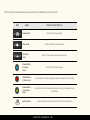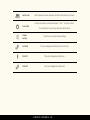
1
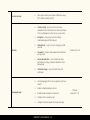
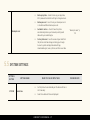
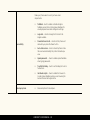
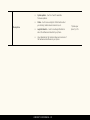
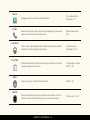
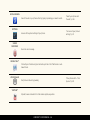
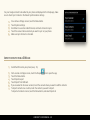
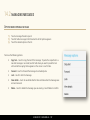
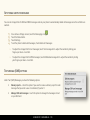
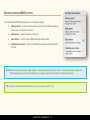
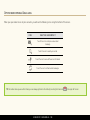
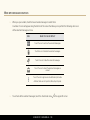
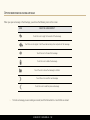
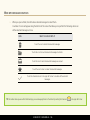
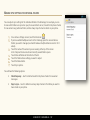
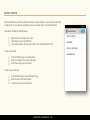
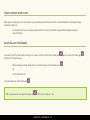
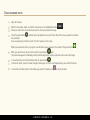
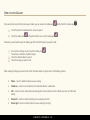
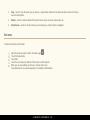
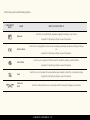
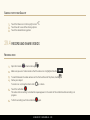
SEND A MULTIMEDIA MESSAGE (MMS) The procedure for sending MMS messages is the same as for any text message (SMS) (described above). The only difference is that you attach a picture, video, audio, etc. to your message. To attach a file to your message, simply touch the Attach icon . You have the following options for attachments: Pictures – attach a picture stored in the Gallery app on your phone. Capture picture – take a new picture and attach it to your message. Videos – attach a video stored in the Gallery app on your phone. Capture video – take a new video and attach it to your message. Audio – attach an audio file stored on your phone. Record audio – record a new audio file and attach it to your message. Slide show – make a slide show of the pictures stored on your phone. LUMIGON T2 USER MANUAL - 106