1
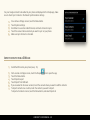
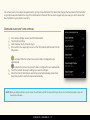
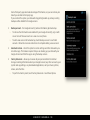
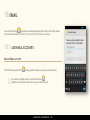
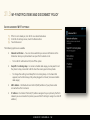
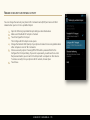
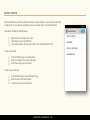
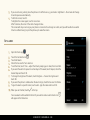
Under Data usage you can adjust the sync options for the individual accounts. For example, you can change what kind of data
associated with each of your email accounts is synchronized on your phone. For Exchange ActiveSync accounts, you can also change
how often the phone checks for new email and how many days or weeks of email are stored on your phone.
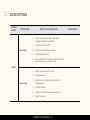
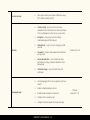
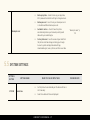
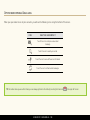
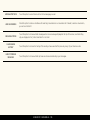
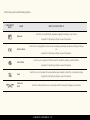
DATA USAGE SETTINGS
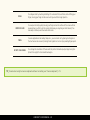
INBOX CHECK FREQUENCY
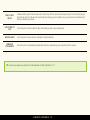
DAYS TO SYNC
SYNC EMAIL
WHAT YOU CAN DO WITH THEM
Touch this option to set how often the phone checks for new email.
Touch this option to set the number of days of email that you want to sync automatically.
Check this option to sync your email on the phone.
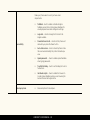
SYNC CONTACTS
Check this option to sync the contacts associated with this account.
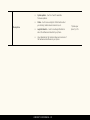
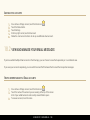
SYNC CALENDAR
Check this option to sync the calendar associated with this account.
DOWNLOAD ATTACHMENTS
Check this option to automatically download attachments to emails when you are connected to a
Wi-Fi network.
LUMIGON T2 USER MANUAL - 151