1
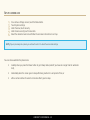
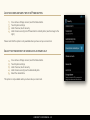
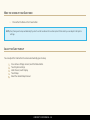
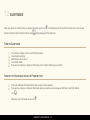
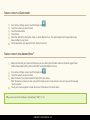
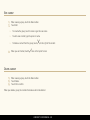
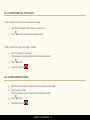
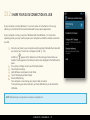
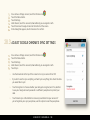
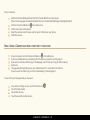
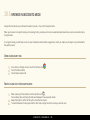
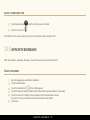
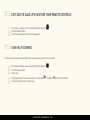
KEEP ALL YOUR CONTACTS SAFE AND BACKED UP If you sign in with your Google Account on your phone and sync your contacts, your contacts will automatically be backed up by your Google Account. This means that you can always access them through your Gmail account from any computer or mobile device. This way your contacts are always available even if you lose your phone or switch to a new one, or use a desktop computer. To view your contacts from a web browser any time, go to google.com/contacts. If you aren’t already logged in, provide your Gmail address and password. GET YOUR CONTACTS INTO YOUR GOOGLE ACCOUNT There are several ways to get your phone numbers and other contact information into your Google Account. No matter which method you choose, you will only need to import your contacts once. When you start using your Google Account, all your contacts stay in sync, even if you get a new phone. You can use one of these options to get your contacts into your Google Account: Import your contacts directly into your phone from your SIM card. Use a desktop computer to import both your email and your contacts from another email account into your Gmail Account. Use a desktop computer to export your contacts from applications like Outlook or the Mac Address Book as a text file, then import them into your Google Account through a desktop browser. Use a desktop computer to export your contacts as a text file, then import them directly into your phone. LUMIGON T2 USER MANUAL - 78