1
Function Operation
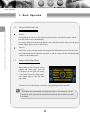
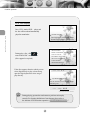
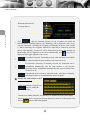
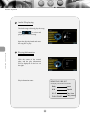
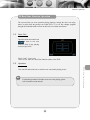
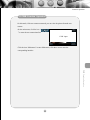
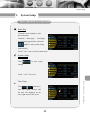
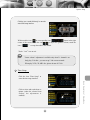
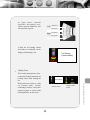
Bluetooth main interface
(as figure shows).
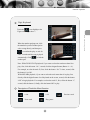
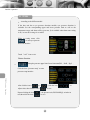
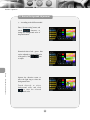
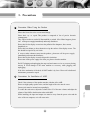
Bluetooth Handfree
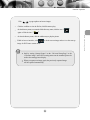
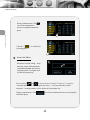
Click
,open the bluetooth function of your cell phone and enable the
bluetooth device searching function, and “Matching” will be displayed on the screen.
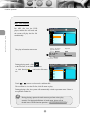
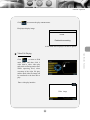
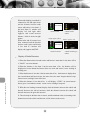
After the connection succeeded, the cell phones will display the device name (Ample
1). While connecting, the cell phone indicates the input device connection password
(0000). After matching, “Connected” will be displayed on the screen, the matched cell
phone model will be displayed on the screen automatically, and
icon will be
displayed on the upper right part of the screen.
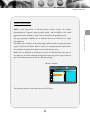
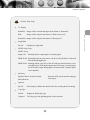
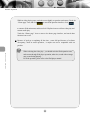
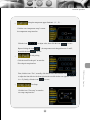
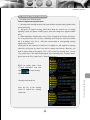
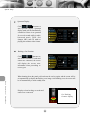
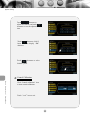
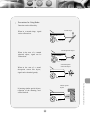
For manual connection, if matching succeeds, click this button to reestablish
the connection after the main machine or the connection is off.
For automatic connection, if matching succeeds, the connection can be
reestablished automatically after the main machine is off; and the
connection can be reestablished automatically after several seconds if the
connection is off.
Automatically answer means at connection mode , after hints of incoming
call ring three times ,it can automatically answer the phone.
3
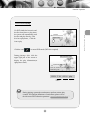
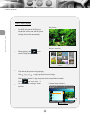
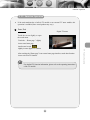
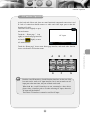
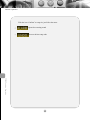
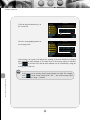
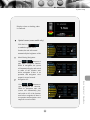
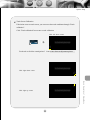
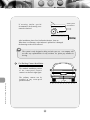
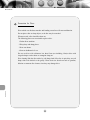
Modify the name and password
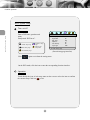
on the setup interface,Click the icon
enter the modify the
password interface
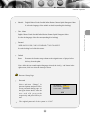
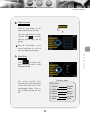
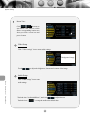
Click the icon “Modify the name”, the character to be modified are shown in the display
box on the right screen, you can enter the new character by means of a soft keyboard, click
the icon
again to confirm the operation.
23