1
VixwinPlat.book Page 33 Tuesday, August 17, 2010 2:39 PM
Operation
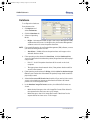
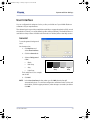
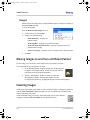
VixWin uses the available PC email application to create a new electronic message with
the selected image(s) attached to it in the preselected file format. The image(s) is
emailed in the form seen on the screen, with all enhancements and annotations that the
user has added.
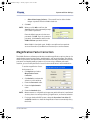
To define the email application that you want VixWin to use, click Start > Control Panel >
Internet Options. In the Programs tab, set the email application such as Outlook or Lotus
Notes.
NOTE: The email function can only be used if your email software (Outlook or Lotus
Notes) is properly configured on your computer. The email function does
not operate with Outlook Express, web-based email accounts such as
Hotmail, Yahoo, or any other web-based account.
032-0214-EN Rev 7
5-33