1
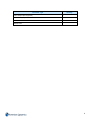
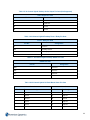
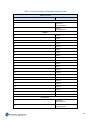
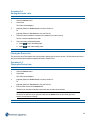
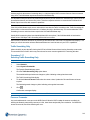
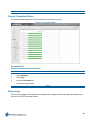
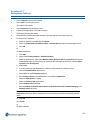
Description
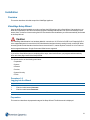
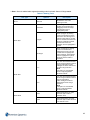
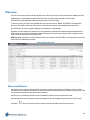
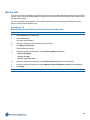
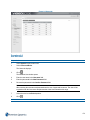
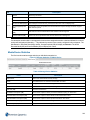
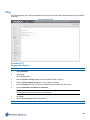
Field
Device
Device Input number.
Name
Device Name
Max Retention
Current configured retention period.
Est. Record Rate (Kbps)
Current Kbps over last 24 hour period (if less than 24 hours will display N/A)
Est. Storage Required
(GB)
If a retention period is specified, this will indicate the required storage needed to support
that retention period.
Actual Recorded Media
(GB)
Actual amount of recorded media for this camera in this storage set.
Protected Media (GB)
Amount of current protected media for this camera in this storage set.
Device
Note:
If a camera has stored media in a storage set but has now been assigned to another or has been deleted, the camera
number will be displayed followed by **. This indicates the camera is not currently configured in this storage set. The
Max Retention, Recorded Rate (Kbps) and Est. Storage Required (GB) will display as Unknown. The Actual
Recorded Media (GB) and Protected Media (GB) will display their values.
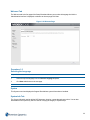
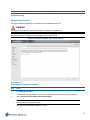
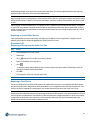
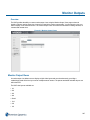
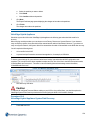
Media Device Statistics
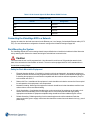
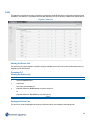
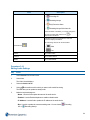
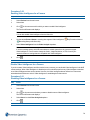
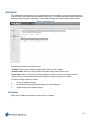
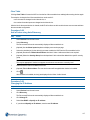
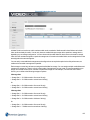
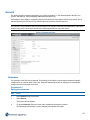
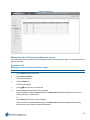
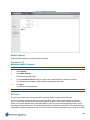
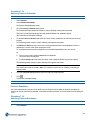
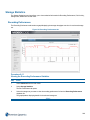
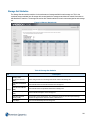
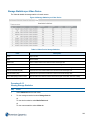
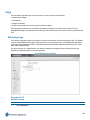
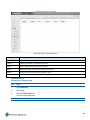
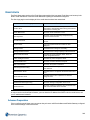
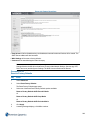
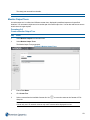
The Devices tab contains storage statistics per individual storage device.
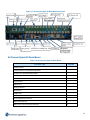
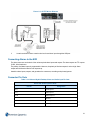
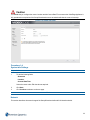
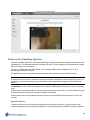
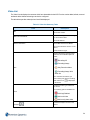
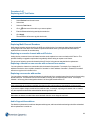
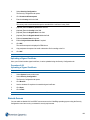
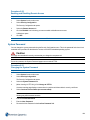
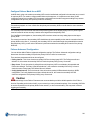
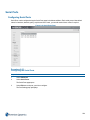
Figure 8-5 Storage Statistics per Media Device
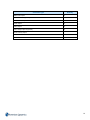
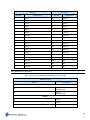
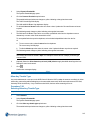
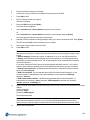
Table 8-2 Storage Device Statistics
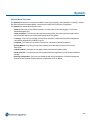
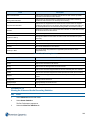
Field
Description
Media Folder
Name of the media folder used by storage.
Device
Associated device on which this media folder is located.
Storage Set
Storage set this media folder is assigned to.
Status
Current Status of this folder (Normal, Degraded and so on).
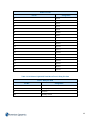
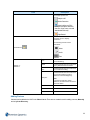
Total Size (GB)
Total size of this device.
Non-Media Used Space (GB)
Total amount of space used by non NVR media files (if any) on this device.
Recorded Media Used Space (GB)
Total amount of space used for NVR recorded media at this time.
Protected Media Used Space (GB)
Total amount of space used for protected media on this device.
Allotted Media Space (GB)
Configured amount to use for storage on this device.
Available Space (GB)
Current total available unused space on this device.
232