1
ANCOT Corpo
4.2.3
User=s Manual
SCSI Bus Analyzer Ultra-2000: Section 4
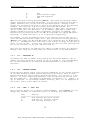
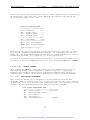
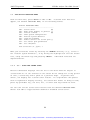
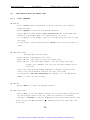
SET THE OCCURRENCE COUNTER
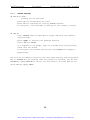
If occurrence is set to 0 or 1, the search will find the next event matching
the pattern.
The default is 1.
If set to any higher number n, the search
will display only the nth event. After you choose <O> the cursor will move
into the square brackets; type your selection and press <Enter>. The maximum
value is 99.
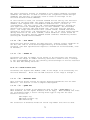
The occurrence counting is used by the FIND function when it is executed for
the first time.
Any subsequent FIND-NEXT or FIND-PREVIOUS function will
search for the very first occurrence of the event, ignoring the occurrence
counter setting.
4.2.4
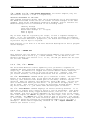
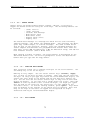
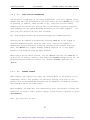
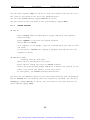
SET THE SEARCH ADDRESS LIMITS
It might take a very long time to search for a certain item if searching over
the entire trace memory, especially if the trace memory is 512K events long.
You may need to limit the search range.
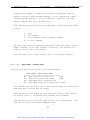
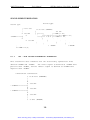
The default limits are set to the beginning and the end of trace most recently
recorded,
and are shown in square brackets in the
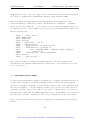
'Addr Range [
]-[
]'
message.
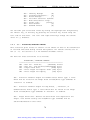
To change the address range, press <A> and the cursor will move to the first
set of brackets showing the default low limit address.
press
<Enter>.
Type a new value, then
The cursor will move to the other field and you can change
the ending point of the search.
Press <Enter> again to start the search.
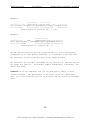
The analyzer will automatically reorder the start and end points if necessary.
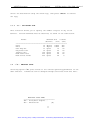
4.2.5
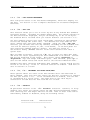
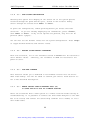
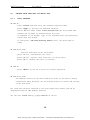
SET THE SEARCH STARTING ADDRESS
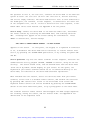
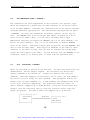
The starting address is initially set to the same value as the address range
low limit. It is updated every time a successful search is executed. If you
need to start searching from a different part of the trace memory, press <S>
60
Artisan Technology Group - Quality Instrumentation ... Guaranteed | (888) 88-SOURCE | www.artisantg.com