1
Camera and Video
TIPS!
NOTE
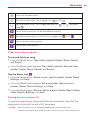
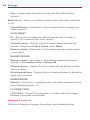
While a video is playing using the Video application:
•
Slide your finger vertically along the left side of the screen to adjust the screen
brightness.
•
Slide your finger vertically along the right side of the screen to adjust the video volume.
•
Slide your finger horizontally across the screen to rewind or fast-forward.
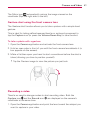
Don’t press too hard on the touchscreen; it’s sensitive enough to pick up a firm, light
touch.
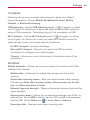
Adjusting the volume while viewing a video
Press the Volume Keys
(on the right side of the tablet) to adjust the
volume of a video while it’s playing. If you selected the Video application to
play the video, you can also slide your finger vertically up along the right
side of the screen to increase the volume and slide your finger down to
decrease the volume during playback.
63