1
Multimedia
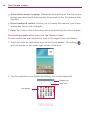
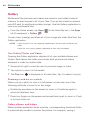
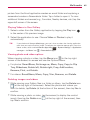
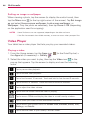
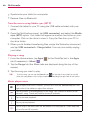
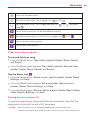
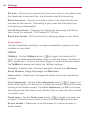
Tap to set the audio effect.
Sets the shuffle mode. Tap to toggle it On
or Off
Sets the repeat mode. Tap to toggle between On
.
song
.
, Off
, and same
Tap to share your music via the SmartShare function.
Sets the current song as a favorite. Tap to toggle it On
or Off
.
Tap to view the current playlist.
Tap to open more options.
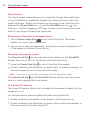
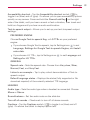
Other music player options
Touch and hold any song
From the Music library: Play, Add to playlist, Delete, Share, Details,
and Search.
From the Music playlist screen: Play, Add to playlist, Remove from
playlist, Delete, Share, Details, and Search.
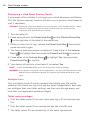
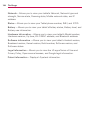
Tap the Menu icon
From the Music library: Select to play, Add to playlist, Delete, Share,
Settings, and Help.
From the Music playlist screen: Save as playlist, Remove from
playlist, Delete, Share, Settings, and Help.
From the Music player: Search, Add to playlist, Delete, Share, Music
video, Details, Settings, and Help.
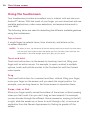
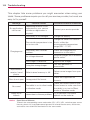
Turning the music player off
To stop the music player, swipe the Status bar downward, then flick the
music entry to the right (or left) off of the screen.
NOTES
•
Some file formats are not supported, depending on the device software.
•
If the file size exceeds the available memory, an error can occur when you open files.
69