1
pixelMAD manual
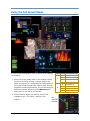
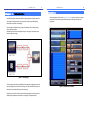
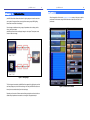
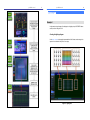
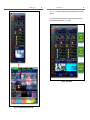
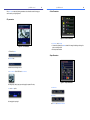
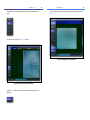
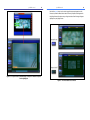
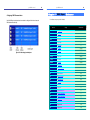
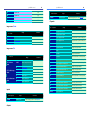
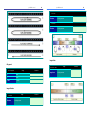
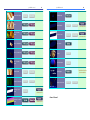
The diagram below shows the three separate pixel mix areas placed over the
diagrams representing three different sets of lighting fixtures.
31
pixelMAD manual
32
Example 3
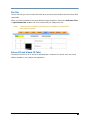
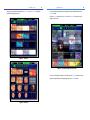
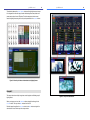
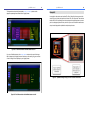
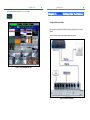
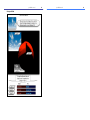
Low resolution video devices such as VersaTile, G-Lec, Barco Mi-pix have come onto the
market. They work at low pixel resolutions of around 100 x 100 video pixels. These devices
take the DVI or VGA input straight from the computer and their software allows any screen
pixel to be displayed anywhere in their pixel world. If you use a DVI buffer the same screen
output can be displayed from pixelMad to multiple output devices.
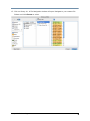
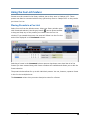
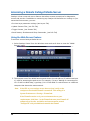
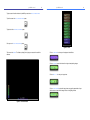
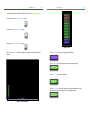
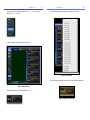
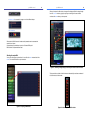
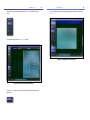
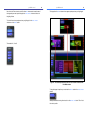
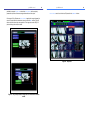
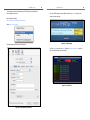
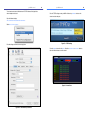
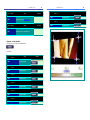
Figure 35 - Pixel Mixes window with Mixes button set to on.
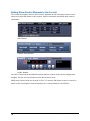
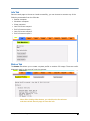
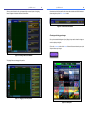
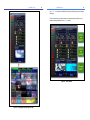
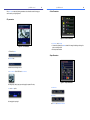
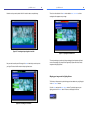
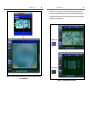
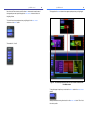
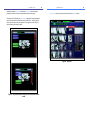
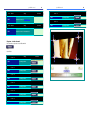
If you turn off the Mixes button in the Pixel Mixes window only the part of the image
that is displayed by the lighting fixtures will be shown on the screen giving you some idea
of how the image will look displayed on your lighting fixtures.
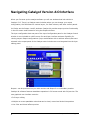
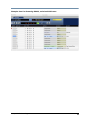
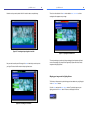
Figure 37- pixelMad sending an image to a low resolution video device.
Figure 36 - Pixel Mixes window with the Mixes button set to off.