1
pixelMAD manual
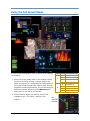
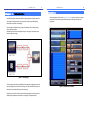
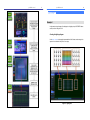
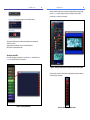
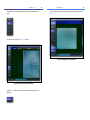
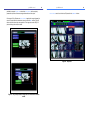
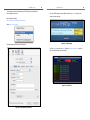
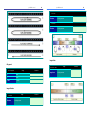
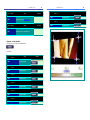
Then enable the mix number that corresponds to the Mix window that contains your
image.
23
pixelMAD manual
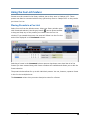
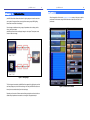
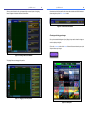
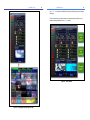
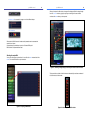
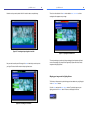
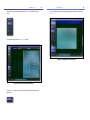
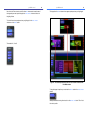
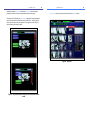
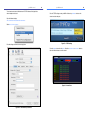
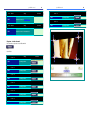
You can change the size of the mix window by dragging the top right hand corner of the
Pixel mix.
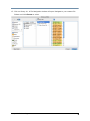
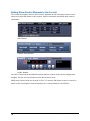
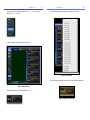
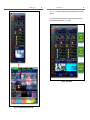
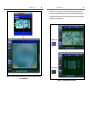
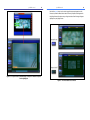
Your image will now appear in the Pixel Mixes window.
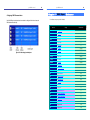
Figure 29 - Changing the size of the Mix area.
Figure 28 - Mix1 visible in the pixel mixes window.
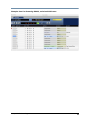
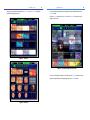
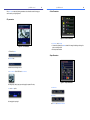
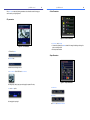
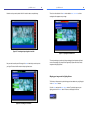
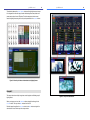
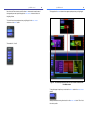
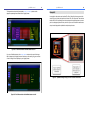
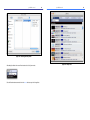
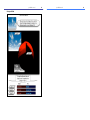
Unlock the Mixes button in order to drag the window to the desired position over the
lighting plot.
24