1
BIOS
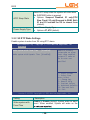
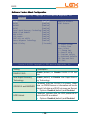
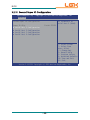
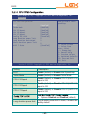
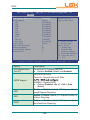
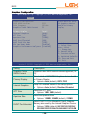
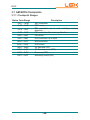
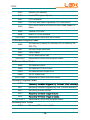
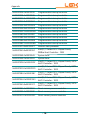
PEG0 ASPM
Control ASPM support for the PEG: Device 1
Function 0. This has no effect if PEG is not the
currently active device.
Ź Options: Disabled, Auto (default), ASPM
L0s, ASPM L1, ASPM L0sL1
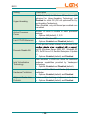
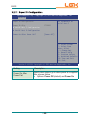
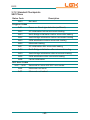
Enable PEG
To enable or disable the PEG.
Ź Options: Disabled, Enabled, Auto (default)
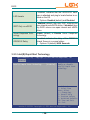
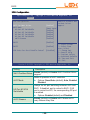
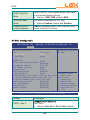
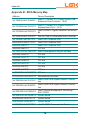
Detect Non-Compliance Device
Detect Non-Compliance PCI Express Device in
PEG
Ź Options: Enabled and Disabled (default).
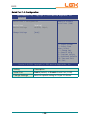
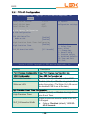
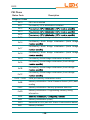
De-emphasis Control
Ź
Options: -6 dB, -3.5 dB (default)
Enable or Disable PEG Sampler Calibrate.
PEG Sampler Calibrate Auto (default) means disabled for SNB MB/DT.
Enbaled for IVB A0 B0.
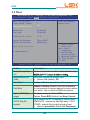
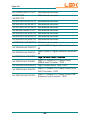
Swing Control
Perform PEG Swing Control, on IVB C0 and later.
Ź Options: Reduced, Half and Full (default).
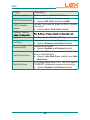
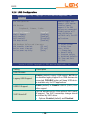
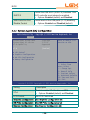
Gen3 Equalization
Perform PEG Gen3 Equalization steps
Ź Options: Enabled (default) and Disabled.
Gen3 Eq Phase 2
Perform PEG Gen3 Equalization Phase 2
Ź Options: Auto (default), Enabled and Disabled.
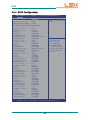
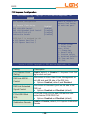
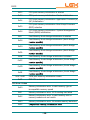
PEG Gen3...
See PEG Gen3... tab
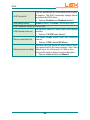
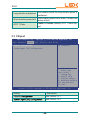
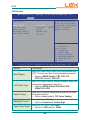
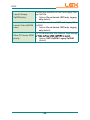
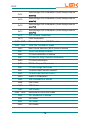
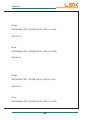
Gen3 Eq Preset
Search
Perform PEG Gen3 Preset Search algorithm, on
IVB C0 and Later.
Ź Options: Enabled and Disabled (default)
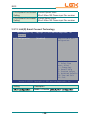
PEG Link Disabled
Enable or Disable (default) PCIe link disable
mechanism for additional power saving.
Fast PEG Init
Enable (default) or Disable Fast PEG Init. Some
optimization if no PEG devices present in cold
boot.
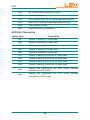
RxCEM Loop back
Enable or Disable (default) RxCEM Loop back.
- 58 -