1
Using Cookies
Setting Cookies
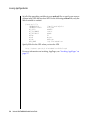
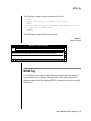
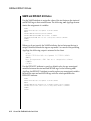
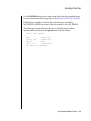
You can set cookies on any AppPage by adding an HTTP header to the
AppPage, for example:
$(HTTPHEADER,set-cookie,name=value)
You can set additional attributes in the second parameter to the
HTTPHEADER variable expression, for example:
$(HTTPHEADER,set-cookie,name=value; expires=DATE; path=PATH; domain=DOMAIN_NAME)
For more information on cookies, refer to the following URL:
http://home.netscape.com/newsref/std/cookie_spec.html
Converting Cookies into Web DataBlade Module Variables
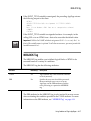
When a cookie is set for a Web browser, the cookie is passed back to the Web
server for each request made by that same Web browser. The Web DataBlade
module automatically takes any cookies it receives and converts them into
Web DataBlade module variables. The Web server environment variable
HTTP_COOKIE is detected by Webdriver and parsed into variables so that
the HTTP_COOKIE variable is never seen in an AppPage.
Using Advanced Webdriver Features
8-5