1
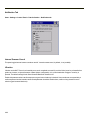
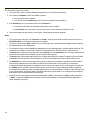
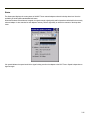
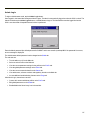
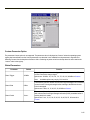
Network Capture
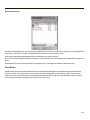
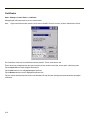
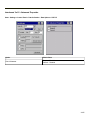
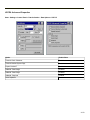
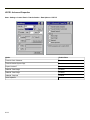
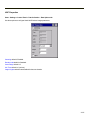
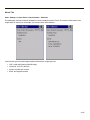
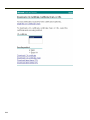
Start > Settings > Control Panel > Network Capture
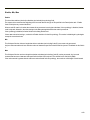
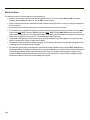
Note:
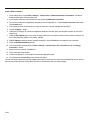
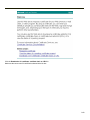
Verify the date and time before using the logging utilities to ensure meaningful data.
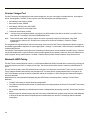
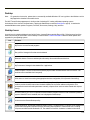
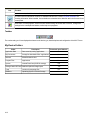
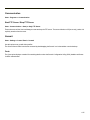
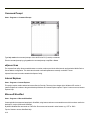
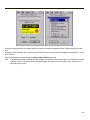
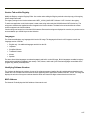
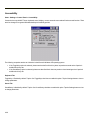
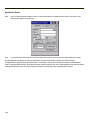
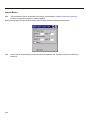
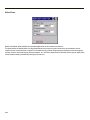
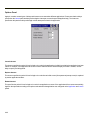
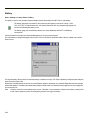
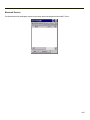
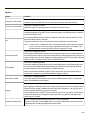
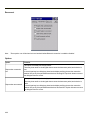
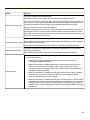
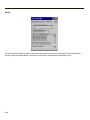
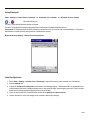
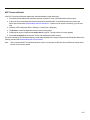
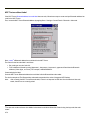
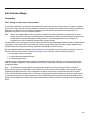
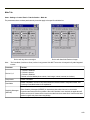
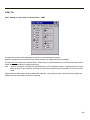
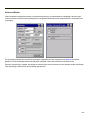
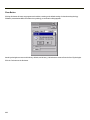
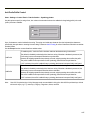
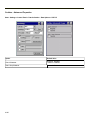
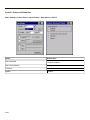
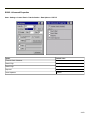
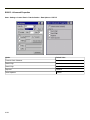
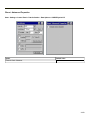
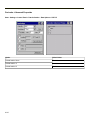
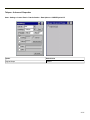
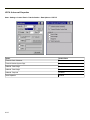
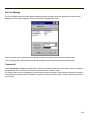
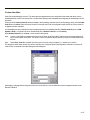
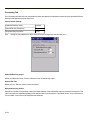
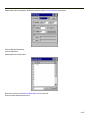
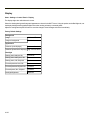
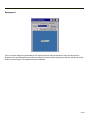
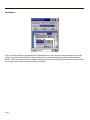
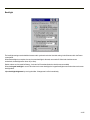
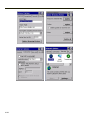
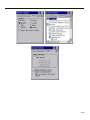
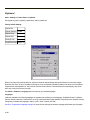
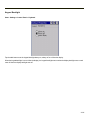
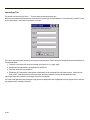
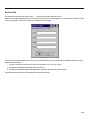
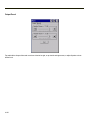
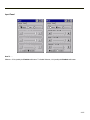
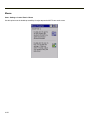
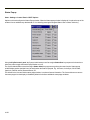
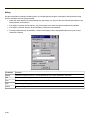
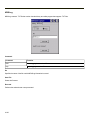
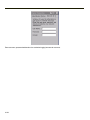
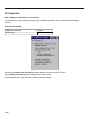
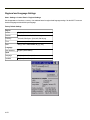
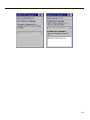
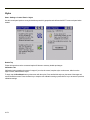
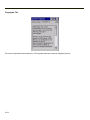
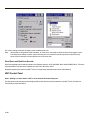
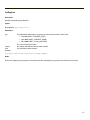
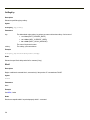
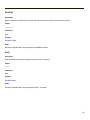
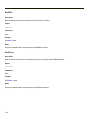
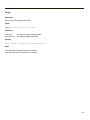
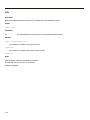
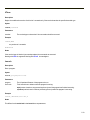
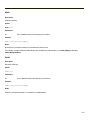
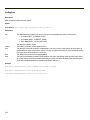
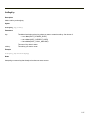
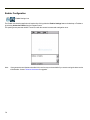
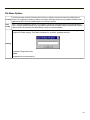
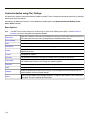
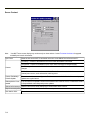
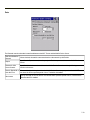
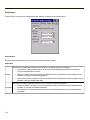
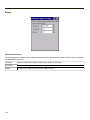
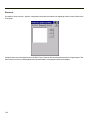
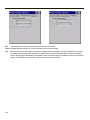
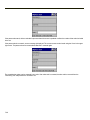
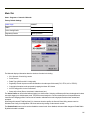
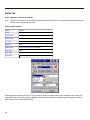
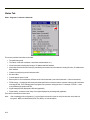
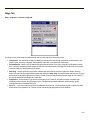
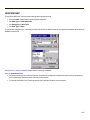
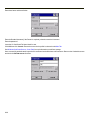
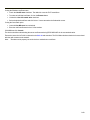
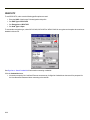
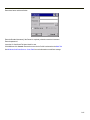
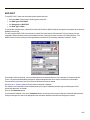
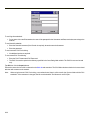
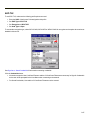
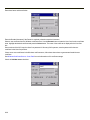
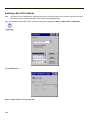
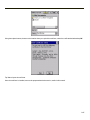
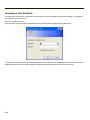
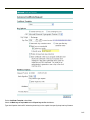
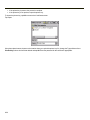
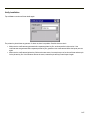
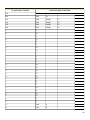
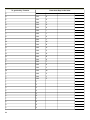
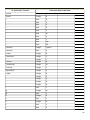
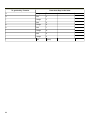
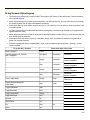
The Network Capture panels provide configuration options for logging utilities.
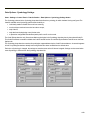
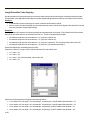
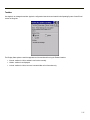
Two types of logging are configurable:
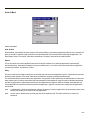
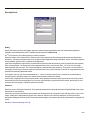
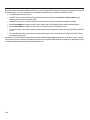
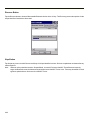
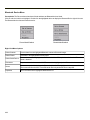
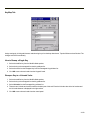
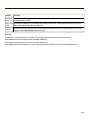
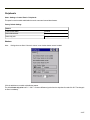
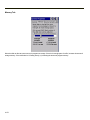
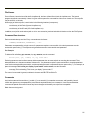
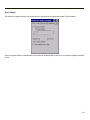
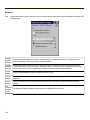
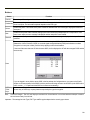
Netlog is a Windows CE utility that monitors network traffic. Netlog creates a .CAP file that can be read using Microsoft
Windows Network Monitor or any compatible tool that supports .CAP files.
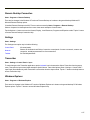
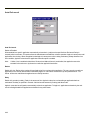
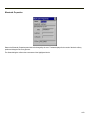
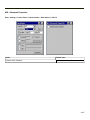
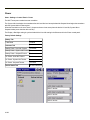
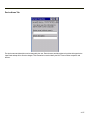
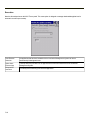
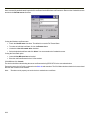
NDISLog monitors the NDIS interface between the Summit radio and the NDIS driver. This utility creates a .TXT log file.
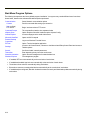
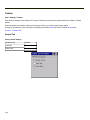
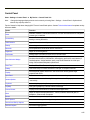
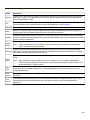
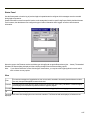
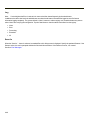
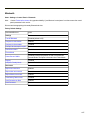
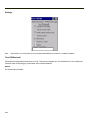
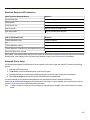
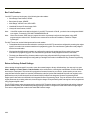
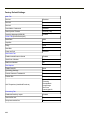
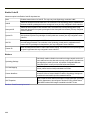
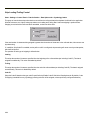
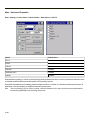
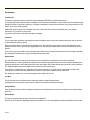
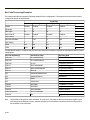
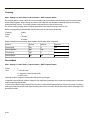
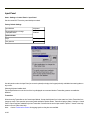
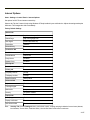
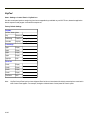
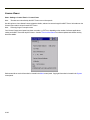
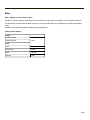
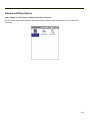
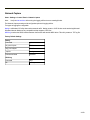
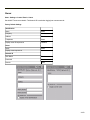
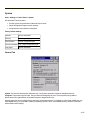
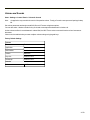
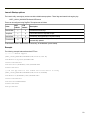
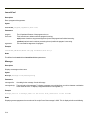
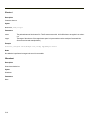
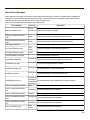
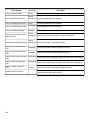
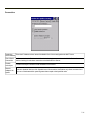
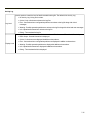
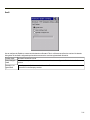
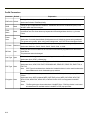
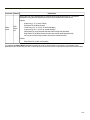
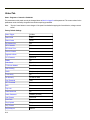
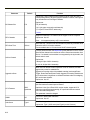
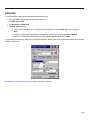
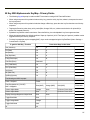
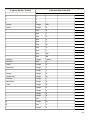
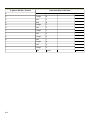
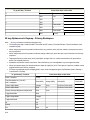
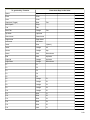
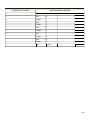
Factory Default Settings
Netlog
Command
options
pkt_size in bytes
5000
cap_size in bytes
500000
.cap file
\netlog
Promiscuos Mode
Disabled
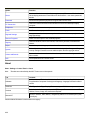
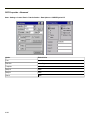
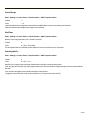
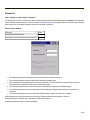
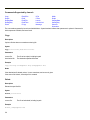
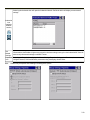
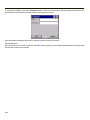
NDISLog
Command
stop
file
\ndislog.txt
4-159