1
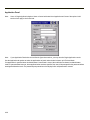
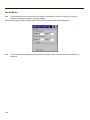
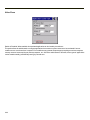
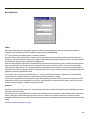
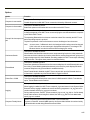
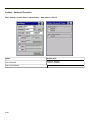
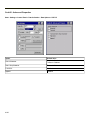
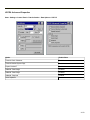
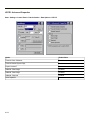
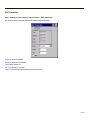
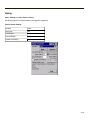
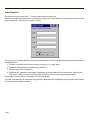
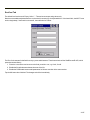
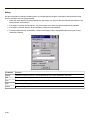
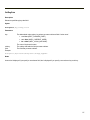
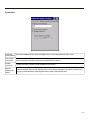
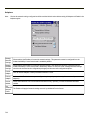
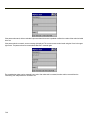
Activity Log
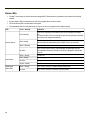
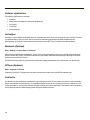
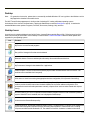
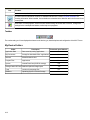
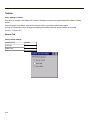
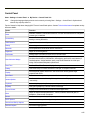
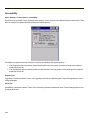
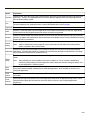
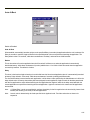
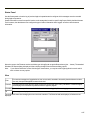
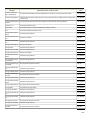
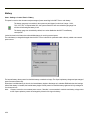
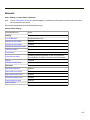
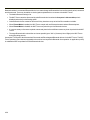
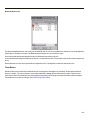
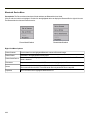
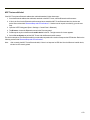
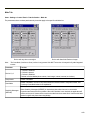
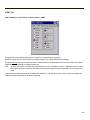
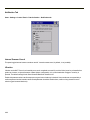
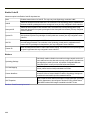
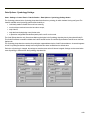
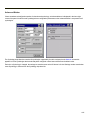
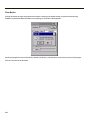
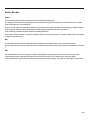
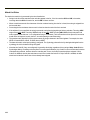
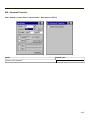
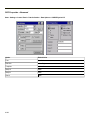
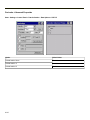
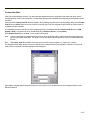
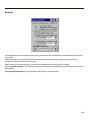
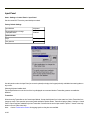
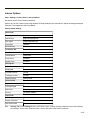
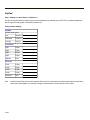
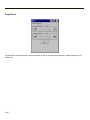
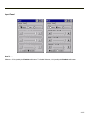
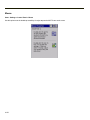
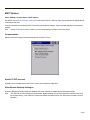
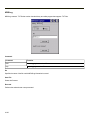
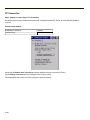
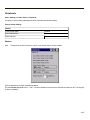
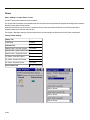
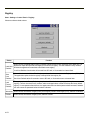
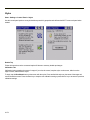
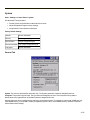
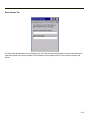
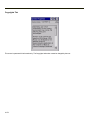
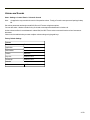
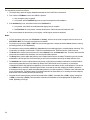
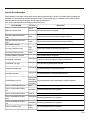
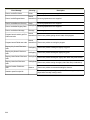
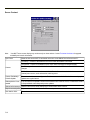
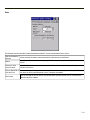
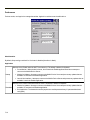
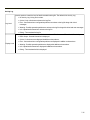
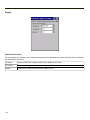
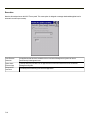
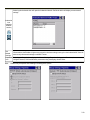
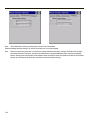
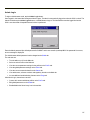
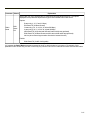
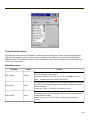
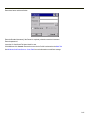
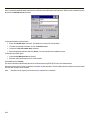
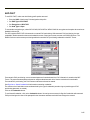
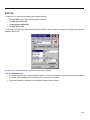
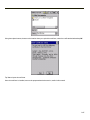
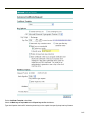
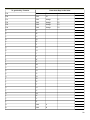
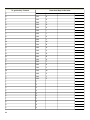
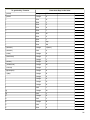
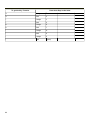
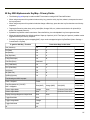
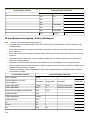
Use this option to control the level of detail recorded in the log file. The default is No Activity Log.
l No Activity Log - No log file is written.
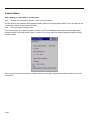
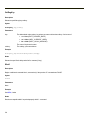
Log Level
l
Critical - Only critical errors written to the log files.
l
Error - Communication or configuration problems are written to the log file along with critical
messages.
l
Warning - Possible operation problems are written to the log file along with critical and error messages.
l
Info - Operational information is written to the log file.
l
Debug - The most detailed log file.
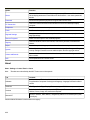
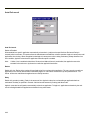
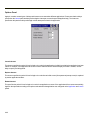
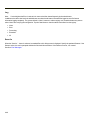
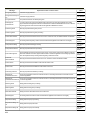
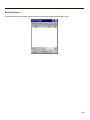
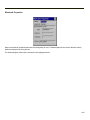
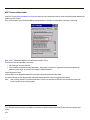
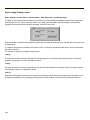
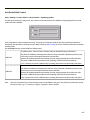
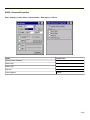
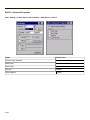
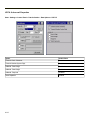
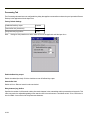
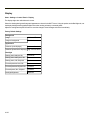
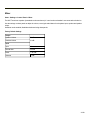
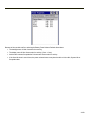
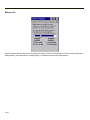
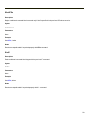
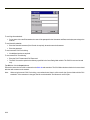
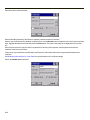
Use this option to control the level of detail shown on the main Enabler screen. The default is Basic Output.
l Basic Output - General information is displayed.
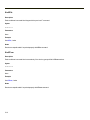
Display Level
l
Critical - Critical errors are displayed in addition to those above.
l
Error - Communication or configuration problems are displayed in addition to those above.
l
Warning - Possible operation problems are displayed in addition to those above.
l
Info - Operational information is displayed in addition to those above.
l
Debug - The most detailed list is displayed.
.
7-15