1
Keypads
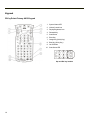
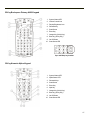
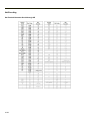
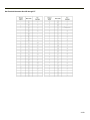
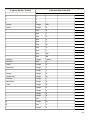
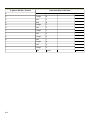
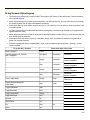
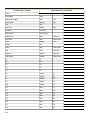
Using the 55 Key Alpha-Numeric Keypad
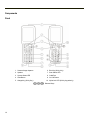
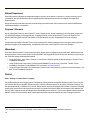
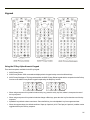
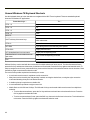
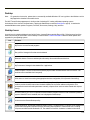
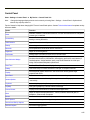
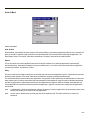
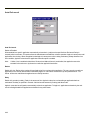
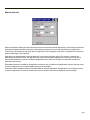
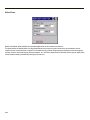
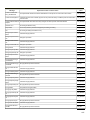
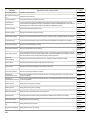
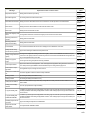
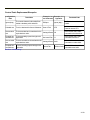
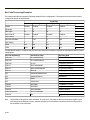
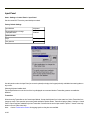
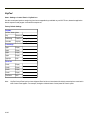
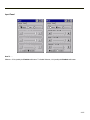
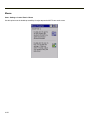
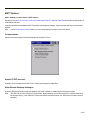
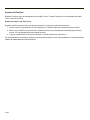
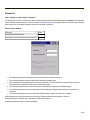
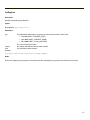
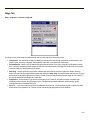
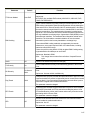
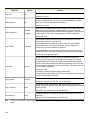
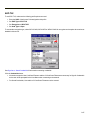
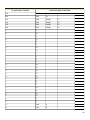
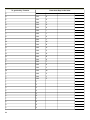
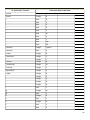
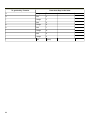
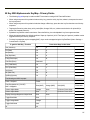
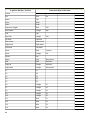
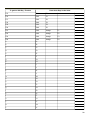
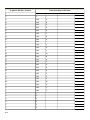
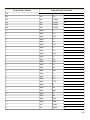
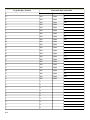
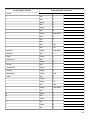
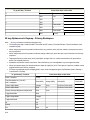
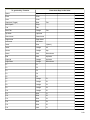
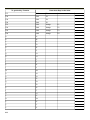
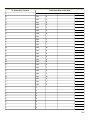
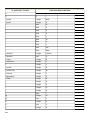
There are three options available for the 55 key keypad:
1. ANSI Primary Delete
2. 5250 Primary Delete. 5250 commands are displayed on the keypad overlay next to the affected keys.
3. ANSI Primary Backspace. This keypad resembles the ANSI Primary Delete keypad with the exception that the Del key
function on the ANSI Primary Delete keypad is replaced by the BkSp key function.
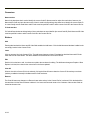
l
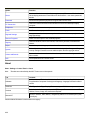
When using a sequence of keys that includes a sticky key, press the sticky key first, release it, then press the rest of
the key sequence.
l
When using a sequence of keys that includes the Orange or Blue keys, press the color key first then the rest of the key
sequence.
l
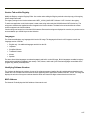
Alphabetic keys default to lower case letters. Press the Shft key, then the alphabetic key for an uppercase letter.
l
When the computer boots, the default condition of Caps (or CapsLock) is Off. The Caps (or CapsLock) condition can be
toggled with Blue plus Tab key sequence.
2-5