1
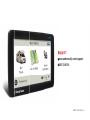
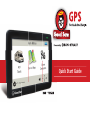
Main Menu
1
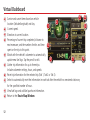
Enter RV information and access RV-specific
tools.
2
Show location on the map and view
navigation instructions.
3
Choose a destination.
4
Select general, route, and map preferences.
5
Mute/unmute the speaker.
6
Adjust speaker volume.
7
Battery status indicator.
7
1
2
4
3
5
6
Note: You can select different color schemes in
Preferences > General > Skin Style. The following screen images appear in the “Ice” style. Some screens
may appear different, based on model number.
Note: From other screens, tap the Main Menu icon in the bottom right corner to return to the Main Menu.
3