1
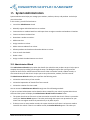
15.6 Add New Class
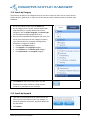
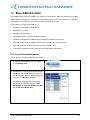
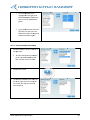
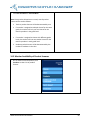
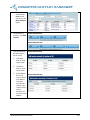
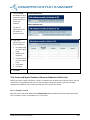
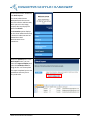
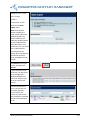
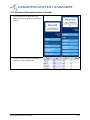
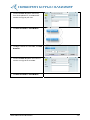
1. On the administrator dashboard, click
Classes to add a new class.
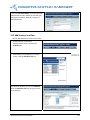
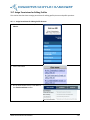
2. Click Add New Class.
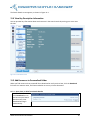
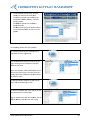
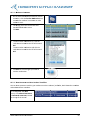
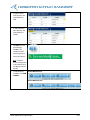
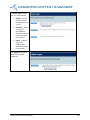
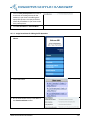
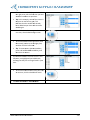
3. Enter your class details:
Type the name of your class in the
Class name textbox.
Choose a teacher for your class from
the Teacher dropdown list.
Choose a grade for your class from
the Grade dropdown list.
Type the period of your class in the
Period box. This is optional.
Type the description of your class in
the Description textbox. This is
optional.
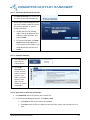
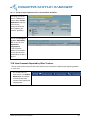
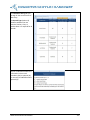
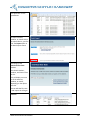
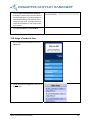
4. On the Class Details screen, scroll down
to the Class Permissions section, and
select the options you want.
Write Source Online User Manual
117