1
[About]
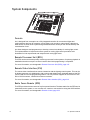
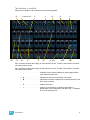
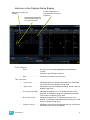
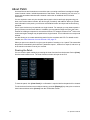
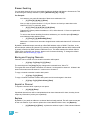
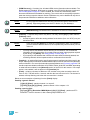
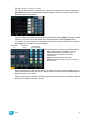
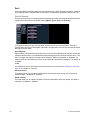
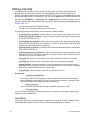
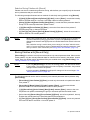
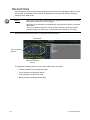
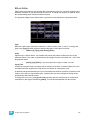
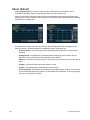
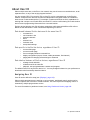
When [About] is pressed, the CIA presents the following information:
•
•
•
•
•
•
•
•
•
Channel count for the console
Software version
Copyright notifications
Device name
Assigned as (Primary/Backup/Client/Offline)
User ID
Number of patched and unpatched addresses
Priority (ACN and Net2)
IP Address
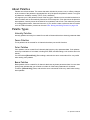
About System
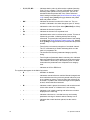
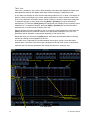
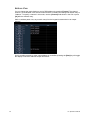
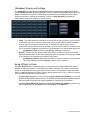
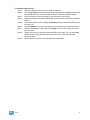
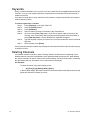
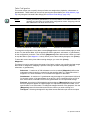
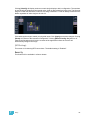
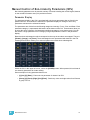
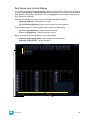
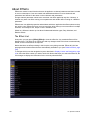
When {About System} is pressed, the CIA displays a list of all network devices that are connected
to Ion. These network devices include:
•
•
•
•
•
•
•
•
•
•
Consoles
RPUs
RVIs
PC Clients
Show Control Gateways
I/O Gateways
Unison processors
CEM+
Net3 Gateways
ETCNet2 Nodes
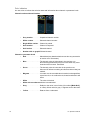
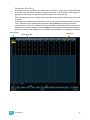
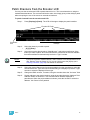
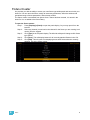
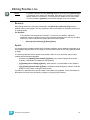
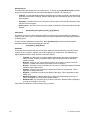
Each network device will display the following information:
•
•
•
•
•
20
Using About
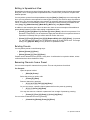
Device Type
Name/Component
Status
Connected
IP Address
247