1
Manual
99a
38
July 17, 2001
Restoring Items from Backup
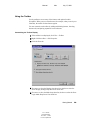
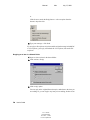
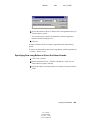
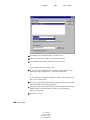
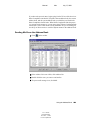
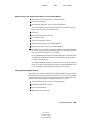
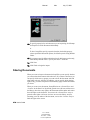
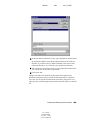
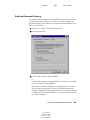
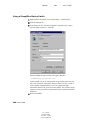
1 Click File > Open Backup.
2 Type the full path or browse to the path of the backed up mailbox > type
your password if required.
3 Select the item you want to restore > click Actions > Restore.
You cannot restore documents through this method. For more
information, see “Replacing a Document with a File from Backup” on
page 340.
4 To exit your backed up mailbox, click File > Open Backup.
Finding Items
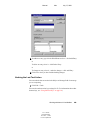
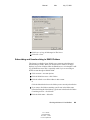
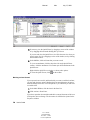
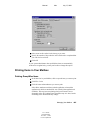
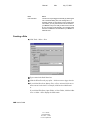
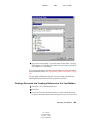
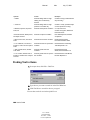
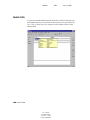
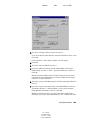
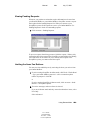
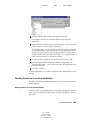
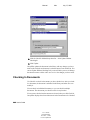
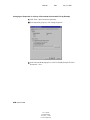
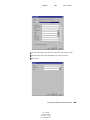
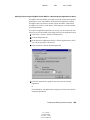
Use Find to look for items that match the criteria you specify.
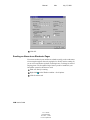
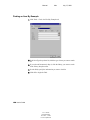
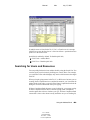
Use the Find by Example tab to find items that match an example you specify
in a field. Find by Example is especially helpful for finding documents.
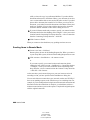
You can save the results in a Find folder, where you can retrieve them any time
you open the folder.
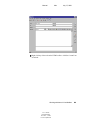
Information you specify on the Find tab will not appear on the Find by
Example tab and vice versa.
Managing Your Mailbox 157
User’s Guide
103-000198-001
December 3, 2002
Novell Confidential