1
Manual
99a
38
July 17, 2001
When you copy a group of documents, all versions of the document are
copied. In the destination library, each copy of the document receives a new
document number, but the document retains the same version number that it
had in the source library. For example, if document #458 had a version one,
two, and five in the Marketing library and you copy it to the Sales library, it
would become document #459 (or whatever the next number is) in the Sales
library, but it would still have a version one, two, and five. GroupWise copies
all the document properties, including document activity and custom fields, to
the destination library and stores them with the document; however, the
custom fields will not display in Document Properties if the destination library
doesn't contain the field. When you copy documents, document references are
not updated.
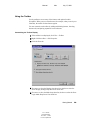
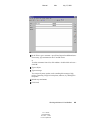
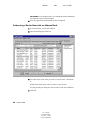
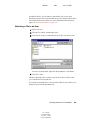
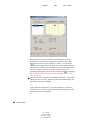
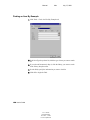
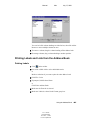
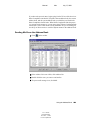
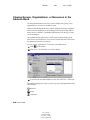
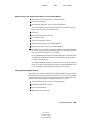
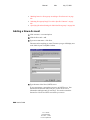
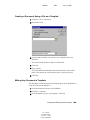
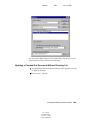
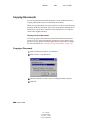
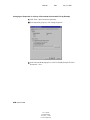
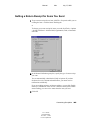
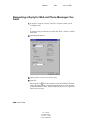
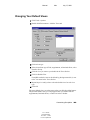
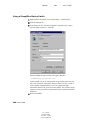
Copying a Group of Documents Selected with Find by Example
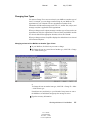
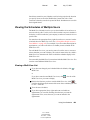
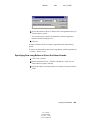
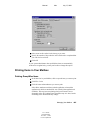
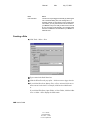
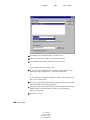
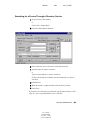
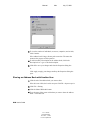
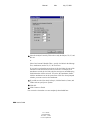
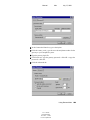
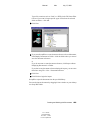
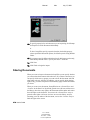
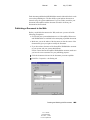
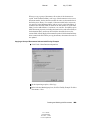
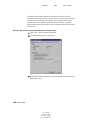
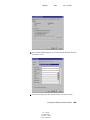
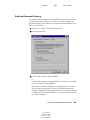
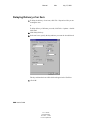
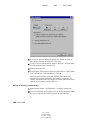
1 Click Tools > Mass Document Operations.
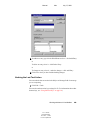
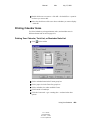
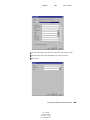
2 In the Operation group box, click Copy.
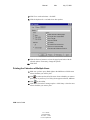
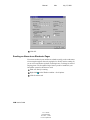
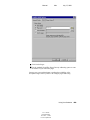
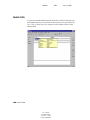
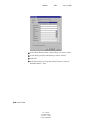
3 In the Selection Method group box, click Use Find By Example To Select
Documents > Next.
Creating and Working with Documents 309
User’s Guide
103-000198-001
December 3, 2002
Novell Confidential