1
Clearing paper jams
If a jam occurs a message will be displayed on the operating panel. If paper
misfeeds occurs frequently, check if:
■
■
■
▼
The roll(s) are loaded correctly and the media is fed as indicated.
The correct media is used (see ‘Copy material that can be used’ on page 137).
No scraps of material are blocking the paper path.
Clearing a paper jam in the material feed section
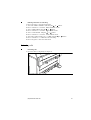
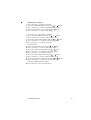
1 Switch off the printer.
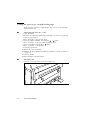
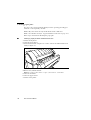
2 Open the upper drawer.
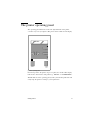
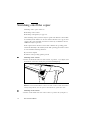
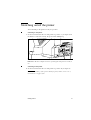
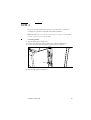
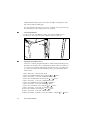
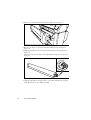
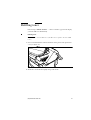
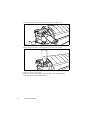
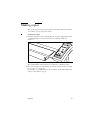
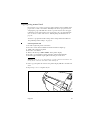
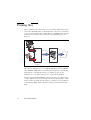
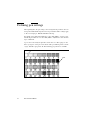
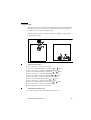
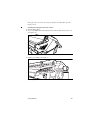
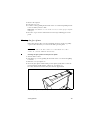
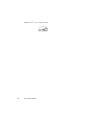
3 Lower the feed table, using the two catches on the front underneath the feed
table (see figure 33).
[33] Lowering the feed table
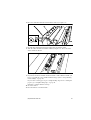
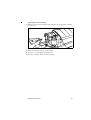
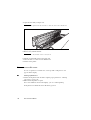
4 Remove the jammed material.
Note: Check thoroughly that no scraps of material are left behind.
5 Close the feed table.
6 Close the upper drawer.
7 Switch on the printer.
122
Océ 9400-II User Manual