1
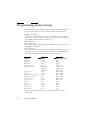
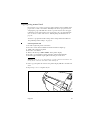
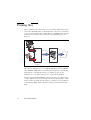
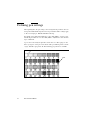
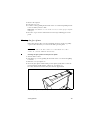
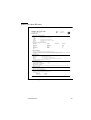
CalComp step size
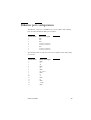
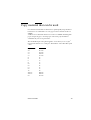
If the data format type is set to CalComp (manual, auto selection or remote
control command), seven steps are provided (100 dpi to 4064 dpi). The default
is 2032.
▼
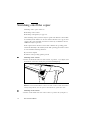
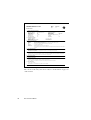
Setting the appropriate step size
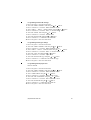
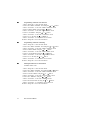
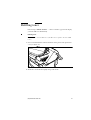
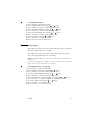
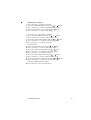
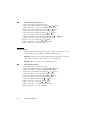
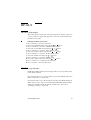
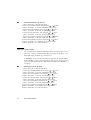
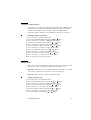
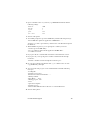
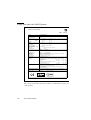
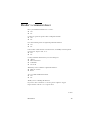
1 Press ‘Program’ to enter the main menu.
2 Select the ‘CONFIGURATION’ item using the
or
button.
3 Press ‘next/select’ to enter the ‘CONFIGURATION’ menu.
or
button.
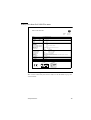
4 Select the ‘DATA FORMAT’ item using the
5 Press ‘next/select’ to enter the ‘DATA FORMAT’ menu.
6 Select the ‘CALCOMP SETUP’ item using the
or
button.
7 Press ‘next/select’ to enter the ‘CALCOMP SETUP’ menu.
or
button.
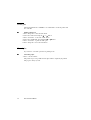
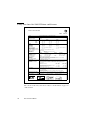
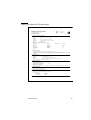
8 Select the ‘STEP SIZE’ item using the
9 Press ‘next/select’ to enter the ‘STEP SIZE’ menu.
or
button.
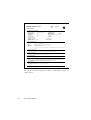
10 Select the required value using the
11 Press ‘next/select’ to confirm the selected value.
12 Press ‘Program’ to leave the main menu.
96
Océ 9400-II User Manual