1
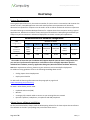
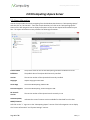
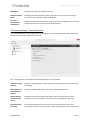
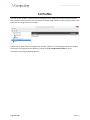
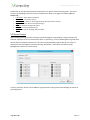
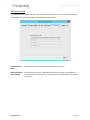
NComputing L300 and L350 User Manual Device Information The following information can be viewed from the Device Information screen: o
o
o
o
o
o
o
o
o
o
o
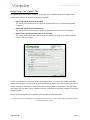
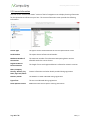
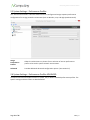
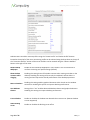
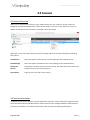
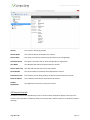
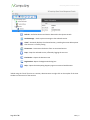
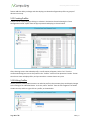
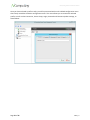
Device name Device ID Firmware version Serial number Interface IP address Subnet mask Gateway MAC address IP conflict Link detected The “Device Setup” Screen The Device Setup screen holds all of the device’s configuration data, which is divided into the following categories: •
•
•
•
•
•
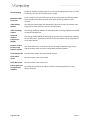
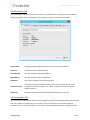
Connection Settings (default tab) Manage Groups Login Settings Network Password Update When you are finished configuring device settings, you can click “OK” to save changes and exit the Setup screen, click “Apply” to save your changes and remain in the Setup screen, or click “Cancel” to exit the Setup screen without saving your changes. Note: If changes have been saved with the “Apply” button, clicking “Cancel” will not undo them. Page 32 of 76 498943_v2