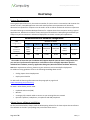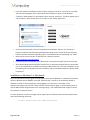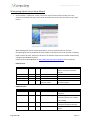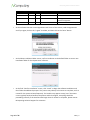
1
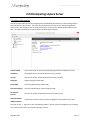
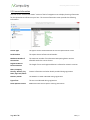
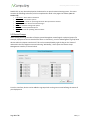
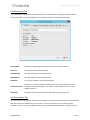
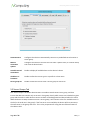
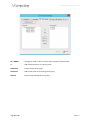
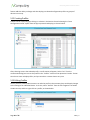
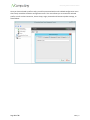
NComputing L300 and L350 User Manual feature adds the ability to design and then deploy pre-‐selected configuration profiles to groups of devices in one step. 5.12 Creating Profiles Profiles can be created by right-‐clicking on a device in the Devices list and selecting the “Store Configuration Profile” option from the pop-‐up menu that displays, as shown below: After choosing to store the selected profile, a confirmation will appear. Select “Yes” from the confirmation dialog box to store the profile in the “Profiles” section of the vSpace NC-‐Console. The NC-‐ Console can store multiple profiles, and you can edit or remove them at any time. 5.13 Editing Profiles Once a profile is created, administrators can edit the profile in the same way they would apply changes to the settings of an individual device. To do this, select “Profiles” from the left navigation tree within the NC-‐Console, and then right-‐click on a profile, as shown below: Page 69 of 76 498943_v2