1
User Manual
5.6.1 Settings
Backup
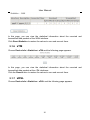
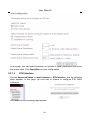
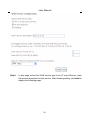
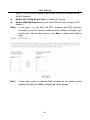
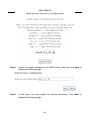
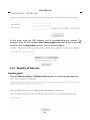
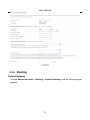
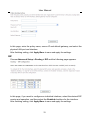
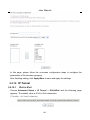
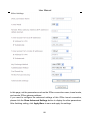
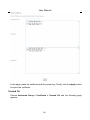
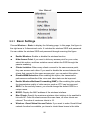
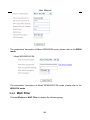
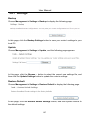
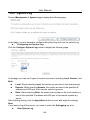
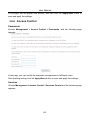
Choose Management > Settings > Backup to display the following page.
In this page, click the Backup Settings button to save your router’s settings to your
local PC.
Update
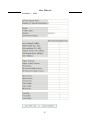
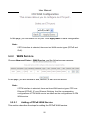
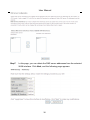
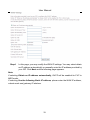
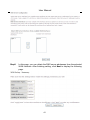
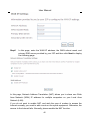
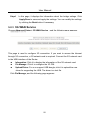
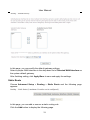
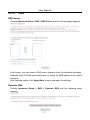
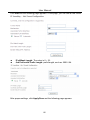
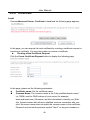
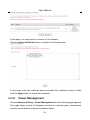
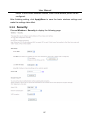
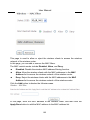
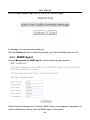
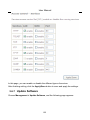
Choose Management > Settings > Update, and the following page appears.
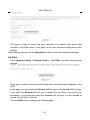
In this page, click the Browse… button to select the correct new settings file, and
then click the Update Settings button to update the router’s settings.
Restore Default
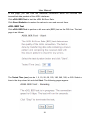
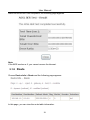
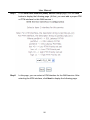
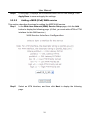
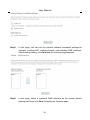
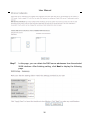
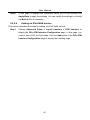
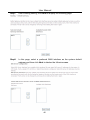
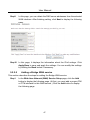
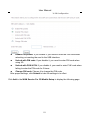
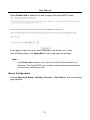
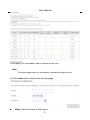
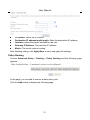
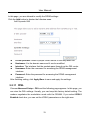
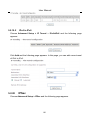
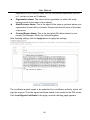
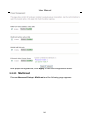
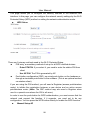
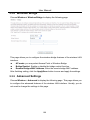
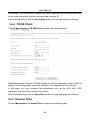
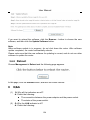
Choose Management > Settings > Restore Default to display the following page.
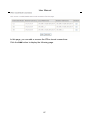
In this page, click the Restore default settings button, and then system returns to
the default settings.
127