1
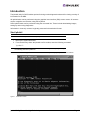
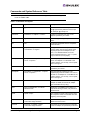
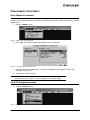
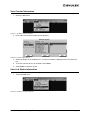
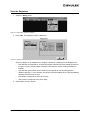
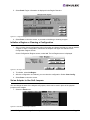
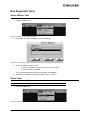
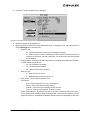
2. Press <L>. The Link Status screen is displayed.
Figure 24: Link Status Screen
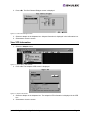
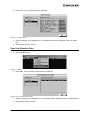
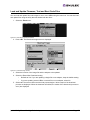
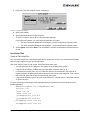
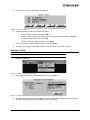
3. Select an adapter in the Adapters box. Link status information is displayed in the Link Status
box.
4. Select OK to close the screen.
View Link Attention Data
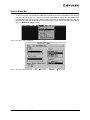
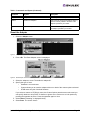
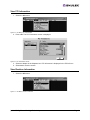
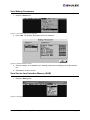
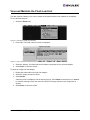
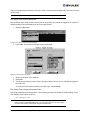
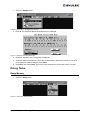
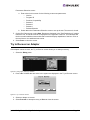
5. Select the Info menu.
Figure 25: Info Menu
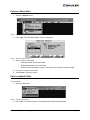
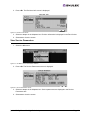
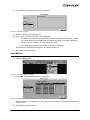
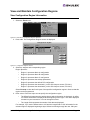
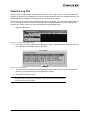
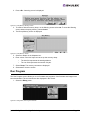
6. Press <A>. The Link Attention Data screen is displayed.
Figure 26: The Link Attention Data Screen
7. Select an adapter in the Adapters box. Link attention data is displayed in the Link Attention box.
8. Select OK to close the screen.
lp6dutil Utility Manual for LightPulse Adapters
Page 12