1
DVR640H_RDR_EN.book 59 ページ 2006年5月11日 木曜日 午前11時29分
Playback
06
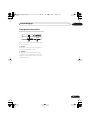
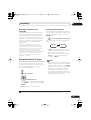
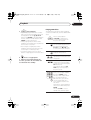
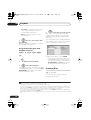
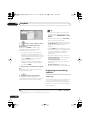
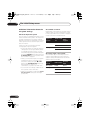
REV SCAN FWD SCAN
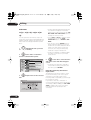
1
During playback, start
reverse or forward scanning.
• The scanning speed is shown on-screen.
REV SCAN FWD SCAN
2
Press repeatedly to change
the scanning speed.
There are four scanning speeds available
when playing HDD video, a DVD or a DivX
title. Reverse playback is also possible with
HDD and DVD video.1
There are two scanning speeds for other
types of disc.
PLAY
3
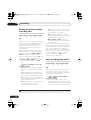
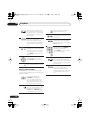
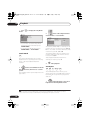
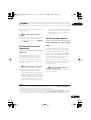
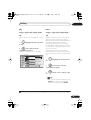
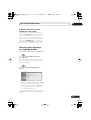
Frame advance/frame
reverse
DVD HDD Video CD Super VCD DivX
You can advance or back up video on a DVD
disc2 or the HDD frame-by-frame.
With Video CDs/Super VCDs and DivX titles,
you can only use frame advance.
PLAY
3
Resume normal playback.
PAUSE
Resume normal playback.
1
Pause playback.
STEP/SLOW
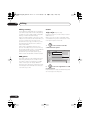
Playing in slow motion
2 Back up or advance one
frame with each press.
PLAY
DVD HDD Video CD Super VCD DivX
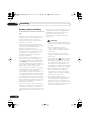
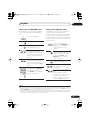
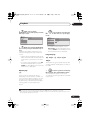
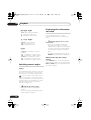
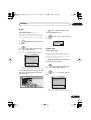
You can play video at various slow motion
speeds. DVDs and video on the HDD can be
played in slow motion in either direction,
while Video CDs/Super VCDs and DivX titles
can only be played forwards in slow motion.
There is no sound when playing in slow
motion.
STEP/SLOW
1 Press to start slow motion
reverse or forward play.
3
Resume normal playback.
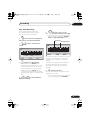
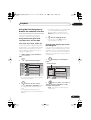
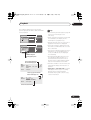
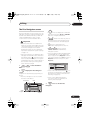
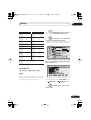
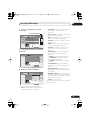
The Play Mode menu
ALL
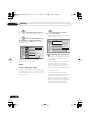
The Play Mode menu gives you access to
search functions, repeat and program play
functions.
STEP/SLOW
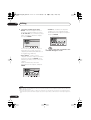
2 Press repeatedly to change
the slow motion speed.
The current playback speed is indicated onscreen.
Note
1 Reverse playback may not be smooth.
2 Depending on the disc, normal playback may automatically resume when a new chapter is reached.
59
En