1
DVR640H_RDR_EN.book 25 ページ 2006年5月11日 木曜日 午前11時29分
Controls and displays
03
Display
1
2 3
5
4
6
PM
L R
10 9
8
7
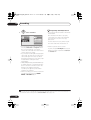
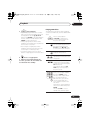
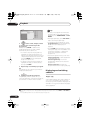
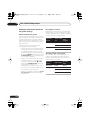
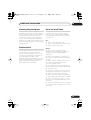
1 Lights during playback; blinks when
playback is paused.
2 Lights when copying.
(page 103)
Lights when the component video output
is set to progressive scan.
6
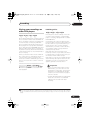
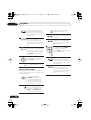
Recording quality indicators (page 34)
XP
Lights when the recording mode is set to
XP (best quality).
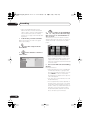
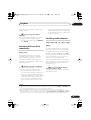
3 Lights during recording; blinks when
recording is paused.
SP
Lights when the recording mode is set to
SP (standard play).
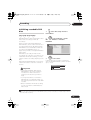
4 PM
Lights to indicate PM (after midday) for the
clock display.
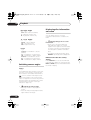
5
P
LP / SLP
Lights when the recording mode is set to
LP (long play) or SLP (super long play).
(page 36)
Lights when a timer recording has been
set. (Indicator blinks if the timer has
been set to DVD but there isn’t a
recordable disc loaded, or the timer has
been set to HDD but the HDD is not
recordable.)
EP / SEP
Lights when the recording mode is set to
EP (extended play) or SEP (super
extended play).
MN
Lights when the recording mode is set to
MN (manual recording level) mode.
SAP (page 33)
Lights when the currently selected TV
channel has a Second Audio Program
channel.
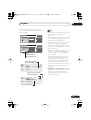
7
NTSC
Lights when the video output signal
format is NTSC.
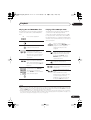
8 R / RW
Indicates the type of recordable DVD loaded:
DVD-R or DVD-RW.
(page 103)
Indicates which channels are recorded
when dual mono is selected.
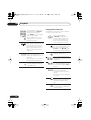
9 AUTO
Lights when Auto Start Recording has been
set, and during Auto Start Recording.
Character display
25
En