1
Contents
Before You Start
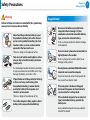
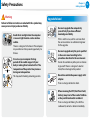
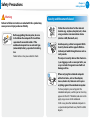
Safety Precautions
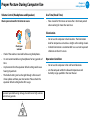
Proper Posture During Computer Use
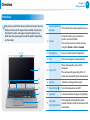
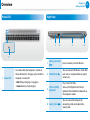
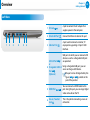
Overview
Turning the Computer On and Off
What is Microsoft Windows?
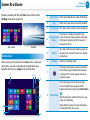
Screen At a Glance
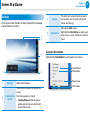
Using the Charms
Using Apps
Windows Hot Key Function
Chapter 3. Using the computer
42
45
49
52
55
57
59
62
64
72
Keyboard
Touchpad
Memory card
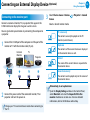
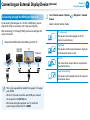
Connecting an External Display Device (Optional)
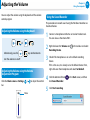
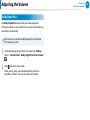
Adjusting the Volume
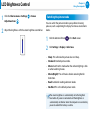
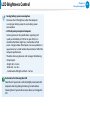
LCD Brightness Control
Wired LAN
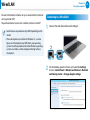
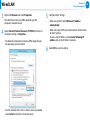
Wireless LAN (Optional)
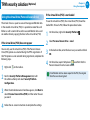
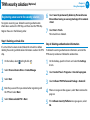
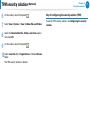
TPM security solution (Optional)
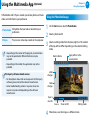
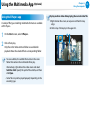
Using the Multimedia App (Optional)
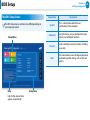
BIOS Setup
Setting a Boot Password
Changing the Boot Priority
Battery
Chapter 5. Troubleshooting
90
97
100
Recovering/Backing up the Computer (Optional)
Reinstalling Windows (Optional)
Q&A
Chapter 6. Appendix
106
108
110
123
124
125
127
1
Using Apps With a Samsung Smartphone (Optional)
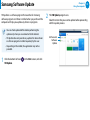
Samsung Software Update
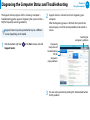
Diagnosing the Computer Status and Troubleshooting
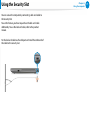
Using the Security Slot
Chapter 4. Settings and Upgrade
79
81
84
85
Chapter 2. Using Windows
30
31
33
35
40
74
75
76
77
Chapter 1. Getting Started
3
5
19
22
26
Chapter 1.
Getting Started
Important Safety Information
Replacement Parts and Accessories
Regulatory Compliance Statements
WEEE Symbol Information
Samsung Packaging Take-Back Program
Product Specifications
Glossary