1
Recovering/Backing up the Computer (Optional)
Recovering
You can restore the computer settings to the factory default
settings if the computer fails to boot up, or if you encounter a
serious problem with the computer.
Chapter 5.
Troubleshooting
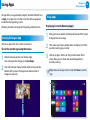
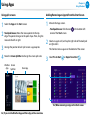
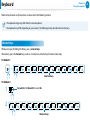
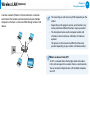
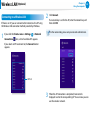
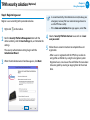
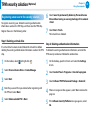
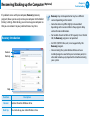
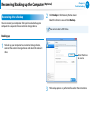
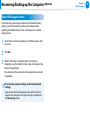
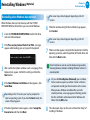
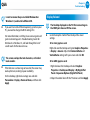
If the initial menu screen appears, click Recover.
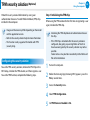
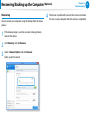
3 Select
a recovery point and click Recover.
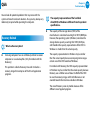
If you set the User Data Maintenance to ON, the computer is
restored while maintaining the current user data.
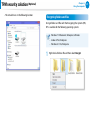
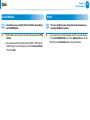
does not start
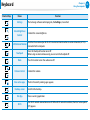
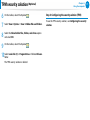
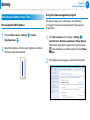
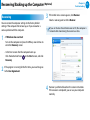
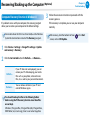
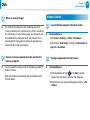
1 - TIfurnWindows
on the computer and press the F4 key several times to
enter the Recovery screen.
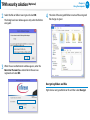
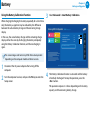
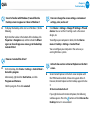
- In the Start screen after the computer boots up
C
lick the bottom-left icon
Recovery.
91
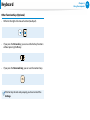
on the Start screen, and click
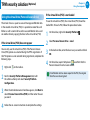
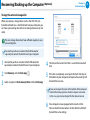
is running for the first time, you need to agree
2 toIf thetheprogram
User Agreement.
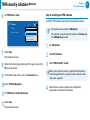
is performed based on the screen instructions.
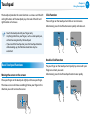
4 IfRecover
the recover is completed, you can use your computer
normally.