1
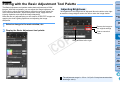
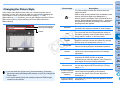
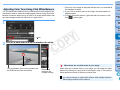
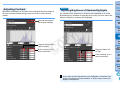
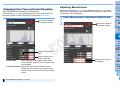
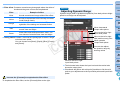
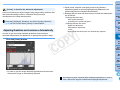
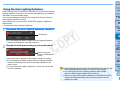
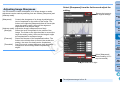
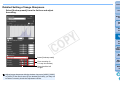
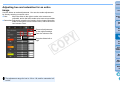
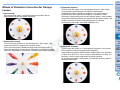
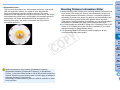
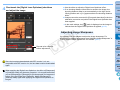
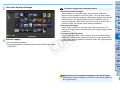
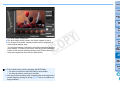
Introduction Adjusting hue and saturation for an entire image Contents Use the sliders to make adjustments. You can also make adjustments by directly entering a numeric value. Hue: Move the slider to the right to make color tones more yellowish, and to the left to make color tones more reddish. Saturation:Adjusts the overall color intensity for the image. Move the slider to the right for more intense colors, and to the left for less intense colors. 1 2 3 4 5 6 7 8 Downloading Images Viewing Images Sorting Images Revert all adjustments to the original settings Enter the values to set Drag the sliders left or right C Y P O Editing Images Printing Images Processing Large Numbers of RAW Images Remote Shooting Specifying Preferences Reference/ Index The adjustment range for hue is –30 to +30; and for saturation is 0 to 200. 59