1
510869_big.qxd
3/13/2005
TOC
7:30 PM
Page 11
INDEX
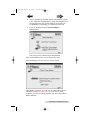
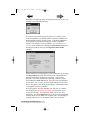
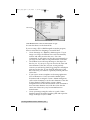
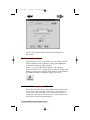
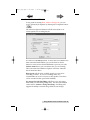
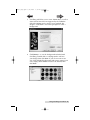
In this window you will have the following options:
Enable Kiosk Mode will allow your server to operate in Kiosk
Mode. Kiosk Mode allows the Publisher to use both bins as
input doubling the capacity of the Publisher. The finished discs
will be ejected out the front of the unit. An optional Kiosk Kit
containing an output bin for the front reject area of the Publisher
is available from Primera.
Print "Reject" will cause rejected discs to be printed with the
word "Reject" instead of the graphic selected for the job. This is
useful in Kiosk Mode since all discs are deposited out the front
of the unit. If this mode is disabled the reject discs will contain
no printing whatsoever.
Record and Print Simultaneously allows the Publisher to start
recording a new disc while printing a disc from the previous
round. This will greatly increase the throughput of the
Publisher, but will also use more system resources.
Minimize Printing Dialog will suppress the printing dialog that
would otherwise be displayed during the printing of jobs. If this
feature is disabled, a dialog box showing the amount of
remaining ink and printing status will be pop up every time a
disc job is printing.
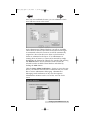
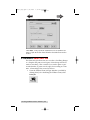
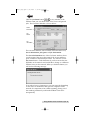
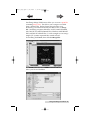
It is a good idea after a clean install to make certain the Server is
communicating properly with the Publisher. In the Options/
Services window you will see an option for the USB Port
currently used to connect the Publisher to your system. You will
also see a Check Communications button. Select the proper
port, then press the Check Communications button to see if the
Setting up the PTBurn Server 11