1
510869_big.qxd
3/13/2005
TOC
7:30 PM
Page 17
INDEX
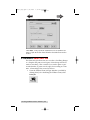
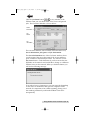
How long information is available to Clients will allow the
administrator to decide how long status on completed jobs will
be displayed in the PTBurn Client Get Status (see section 5F
Using PTBurn Client's 'Get Status' Window) Window.
How many rejects in a row are tolerated before giving up
allows the Administrator to decide how many back-two-back
recording failures will be tolerated before the Server aborts the
job and goes to the next request in the queue.
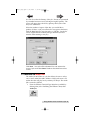
Once you have these values set, click Save Values. You will then
need to close and restart the PTBurn Server to have these
changes take effect (not necessary)
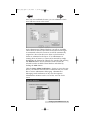
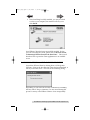
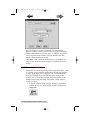
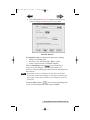
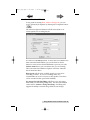
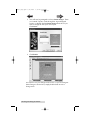
The Job Request Folder Window will allow you to select a
folder in which jobs will be queued for processing. As
mentioned in the Install instructions, all files to be burned on to
a disc will be temporarily copied to this folder so you will want
to make certain the volume containing this folder has ample
space. If you want to change the folder, click the Change button.
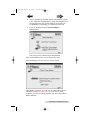
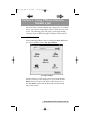
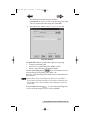
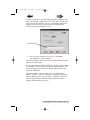
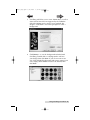
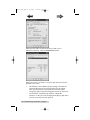
You will see the following window:
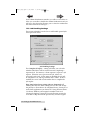
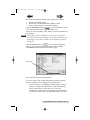
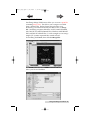
Click Browse to create a new 'shared folder' or select an
existing folder.
Setting up the PTBurn Server 17