1
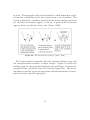
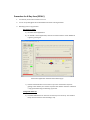
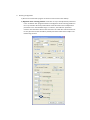
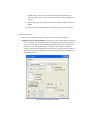
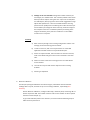
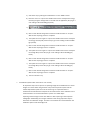
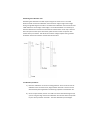
4. Scanning configuration a) Run the “CT‐Rotate 225” program. A shortcut can be found on the desktop. b) Alignment of the scanning platform: A red value on any of the adjustment parameters in the “CT‐Rotate 225” program indicates a misalignment of the scanning platform in the x‐ray chamber. Necessary amendments should be made so that all adjustment parameters are in the allowable range. For instance, the “table tilt” parameter relates to how the table is tilted in the horizontal. The “table tilt” value should be set to zero (0) to ensure that the table is perfectly horizontal and that the sample is not tilted during the scan.