1
Ops Generator
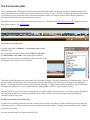
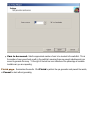
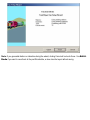
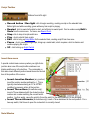
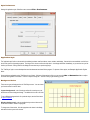
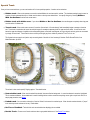
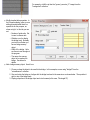
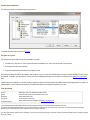
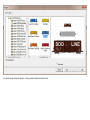
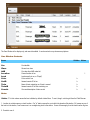
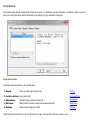
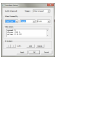
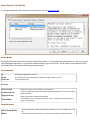
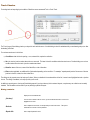
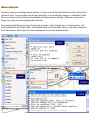
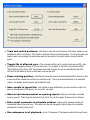
This creates a scheduled train with switchlist and instructions. It is a multi-step process which does this:
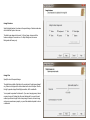
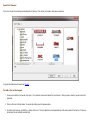
1. Chooses an engine. This may be from the selected train, or the choice you made in the wizard, or a random
choice.
2. Chooses a set of outgoing cars. A random selection is made from cars attached to or in the vicinity of the chosen
engine. The number of cars it chooses depends on a setting you can make in the wizard -- minimum about 5,
maximum 20.
3. Chooses a destination for each outgoing car. Choices are limited to industries which can receive or dispatch that
car type; a random selection is made from these.
4. Selects some cars to be picked up at some of the destinations. If you are going to be making a delivery at Joe's
Lumber, and Joe has an empty flatcar on his siding, you might need to pick it up as you pass through.
5. Expands some of the selected cars to include cuts. If you have two identical coupled hoppers, then the switchlist
is likely to send them both to the same place.
6. Selects one of the destinations as the end point of the trip, and creates a scheduled train to go there.
7. Creates a switchlist from the car/destination choices, and attaches it to the scheduled train.
8. Assigns a load and a loaded/empty status to each car in the list. Destination industries are taken into account
when assigning loads; you can take a loaded car to an industry which receives that load, or an empty car to one
which ships it, but not vice-versa.
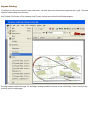
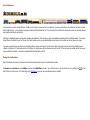
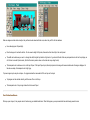
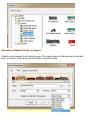
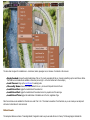
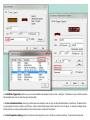
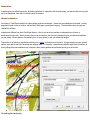
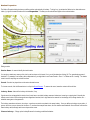
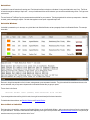
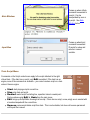
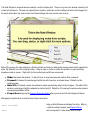
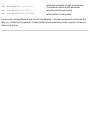
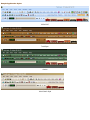
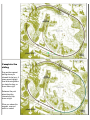
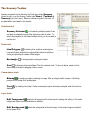
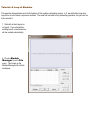
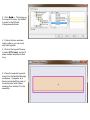
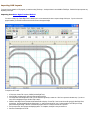
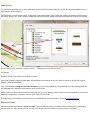
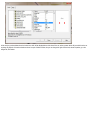
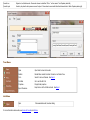
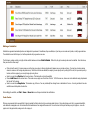
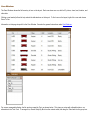
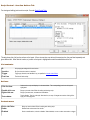
9. Displays the results. One new row goes in the scheduled train window, cars and destinations become rows in the
switchlist window, and a set of text instructions is created and displayed in the schedule window. Color codes are
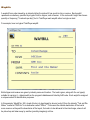
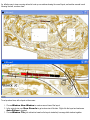
enabled and displayed. Car labels are shown on the cars involved in the switchlist. All ops windows are brought up
if not already on display.
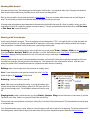
The ops generator replaces any existing scheduled train and switchlist with the generated one. If you undo an ops
generation, it goes back to the previous version.