1
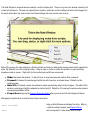
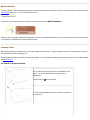
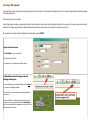
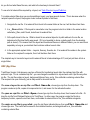
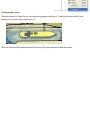
Background is Done!
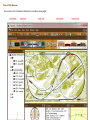
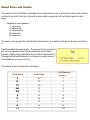
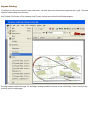
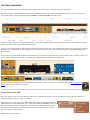
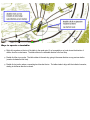
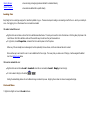
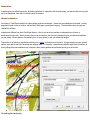
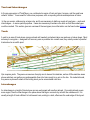
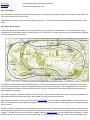
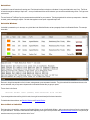
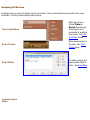
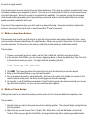
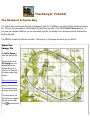
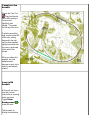
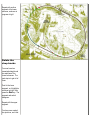
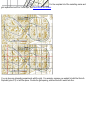
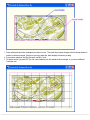
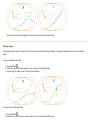
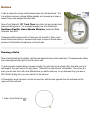
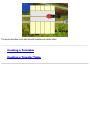
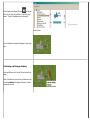
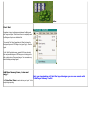
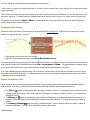
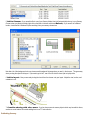
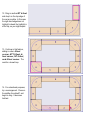
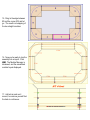
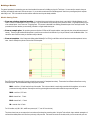
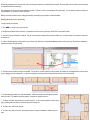
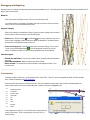
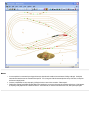
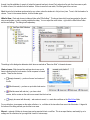
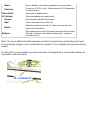
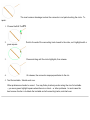
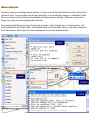
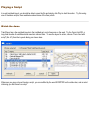
This is a partial view of what your background now looks like. At this
point you can continue to add backgrounds elements like dirt and
gravel areas, trees etc.
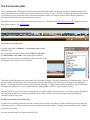
For this tutorial we will proceed to adding a simple track plan
Adding a Track Plan
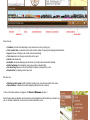
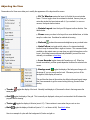
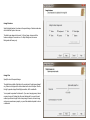
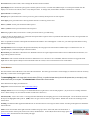
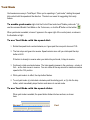
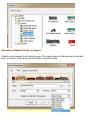
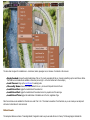
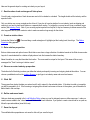
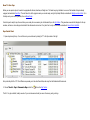
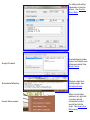
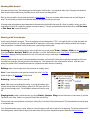
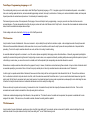
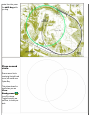
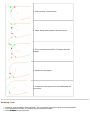
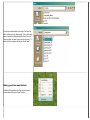
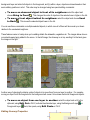
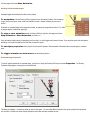
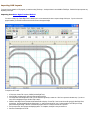
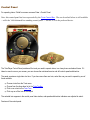
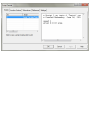
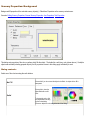
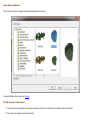
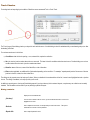
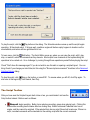
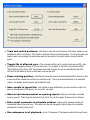
Select the Track tool menu
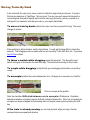
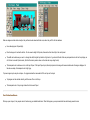
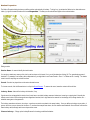
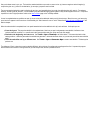
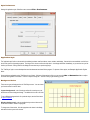
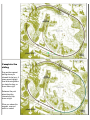
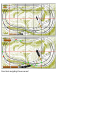
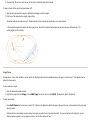
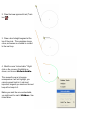
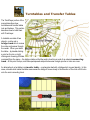
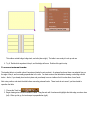
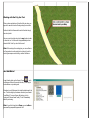
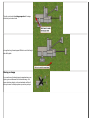
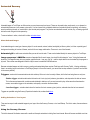
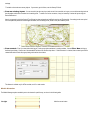
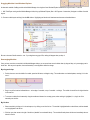
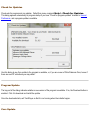
and add what track arrangement you would like to see, directly onto
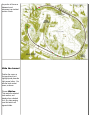
the Background image. This is a sample of what your background
with tracks would look like
Adding the tracks at this point makes it easier to place your towns,
stations and industries.
Adding an industry
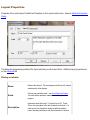
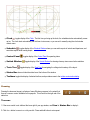
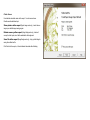
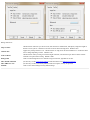
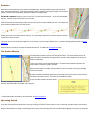
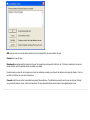
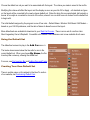
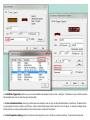
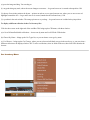
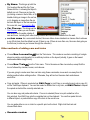
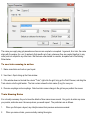
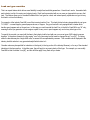
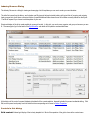
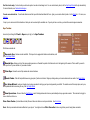
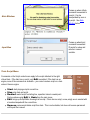
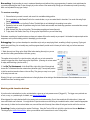
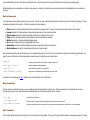
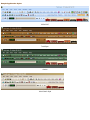
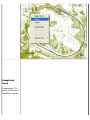
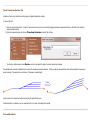
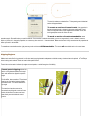
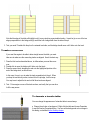
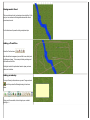
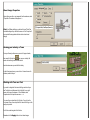
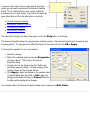
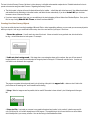
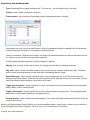
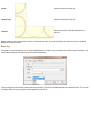
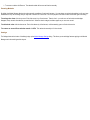
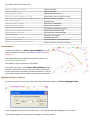
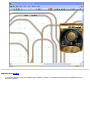
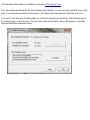
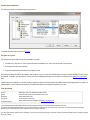
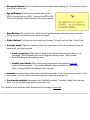
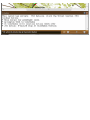
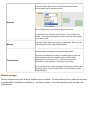
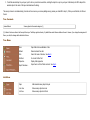
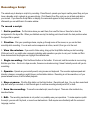
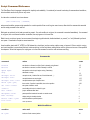
From your Scenery toolbar, make sure you are in Foreground mode
below:
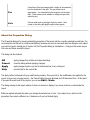
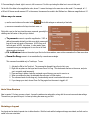
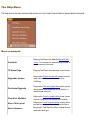
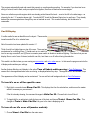
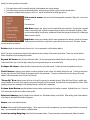
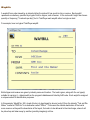
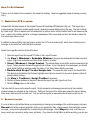
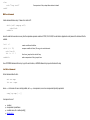
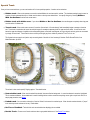
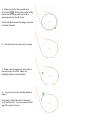
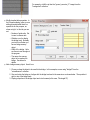
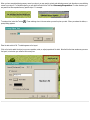
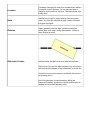
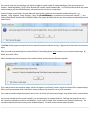
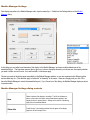
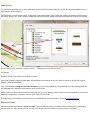
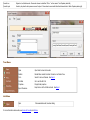
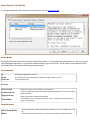
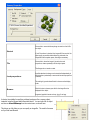
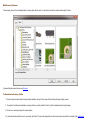
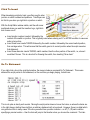
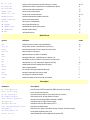
and that you select the Rectangle drawing tool as shown
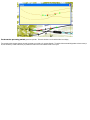
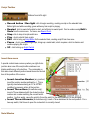
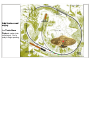
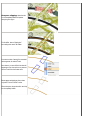
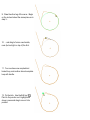
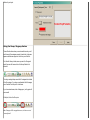
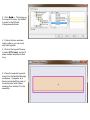
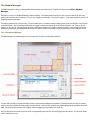
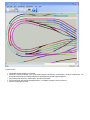
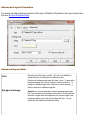
Using your left mouse button, click and drag to open a shaded
rectangle. -->