1
http://www.comartsystem.com
15. REMOTE PROGRAM
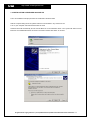
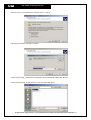
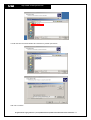
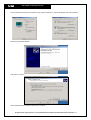
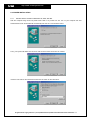
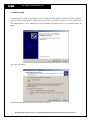
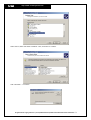
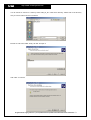
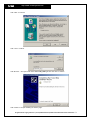
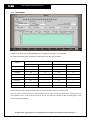
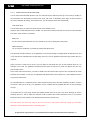
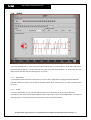
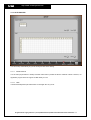
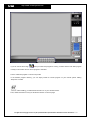
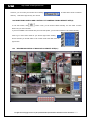
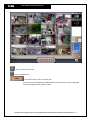
Our remote program includes some functions such as monitoring videos and control PTZ cameras from a remote
site(s), saving videos transmitted from Main DVR and playback in a remote site(PC), and playback recorded videos
of the main DVR at Remote PC.
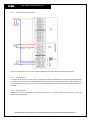
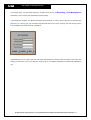
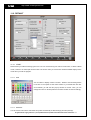
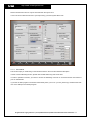
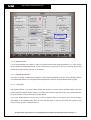
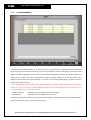
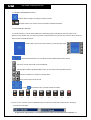
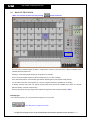
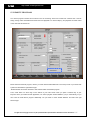
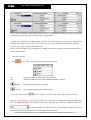
Before install our Remote program, check if you have clicked ‘Enable Network’ in the Setup mode of your main DVR
system and selected the right Network type.
‘Enable Network’ should be checked to work between Main and Remote program.
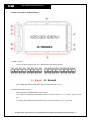
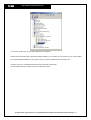
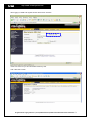
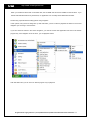
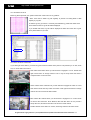
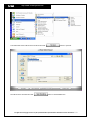
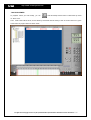
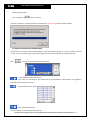
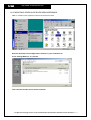
Then, check there is a server sign on the bottom of your main screen when you press a windows key of your
keyboard. Once you install our Main Application, our Server program will be installed in your pc automatically, so you
don’t need to install Server program additionally. You just need to check ‘Enable Network’ and select the right
Network type.
All rights reserved. Copying in whole or in part is prohibited without expressed written authorization from the manufacturer 107