1
http://www.comartsystem.com
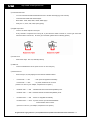
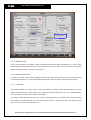
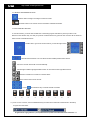
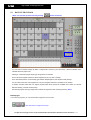
Please note that this mode can only be executed when the system is on.
You do not have to select this function if you keep running your DVR system all the time.
11-2.4
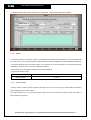
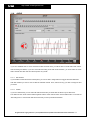
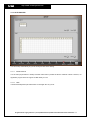
WATCHDOG
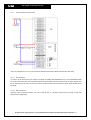
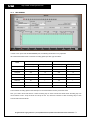
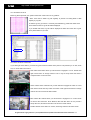
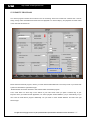
This function helps you avoid being on the shutdown status in the event the shutdown takes place.
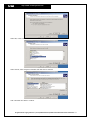
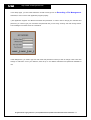
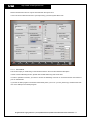
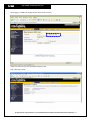
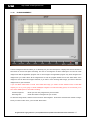
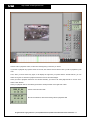
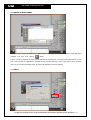
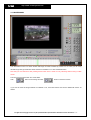
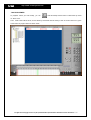
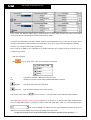
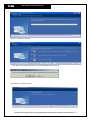
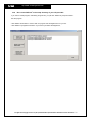
In order to select Watchdog function, please click ‘Enable Watch-Dog’ and set the time.
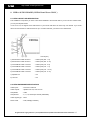
In order to operate this function, you need to connect the Watchdog connector on our board with the reset switch of
your PC motherboard.
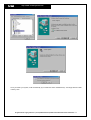
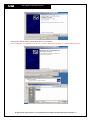
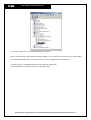
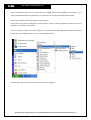
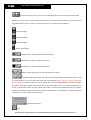
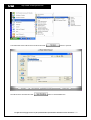
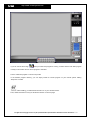
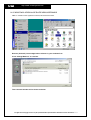
If you want the DVR program to be started automatically when you turn on your PC, please copy and attach the DVR
icon on the desktop to the Startup Program.
All rights reserved. Copying in whole or in part is prohibited without expressed written authorization from the manufacturer 62