1
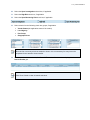
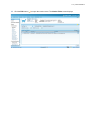
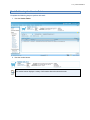
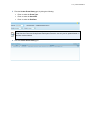
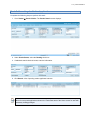
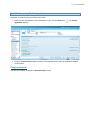
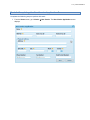
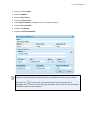
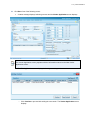
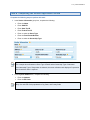
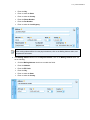
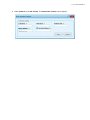
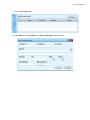
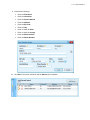
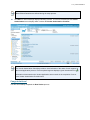
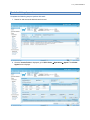
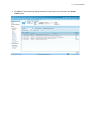
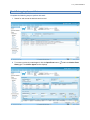
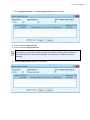
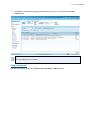
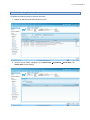
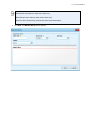
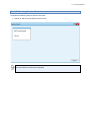
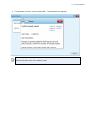
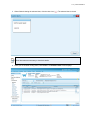
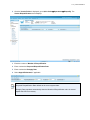
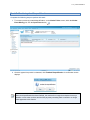
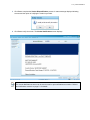
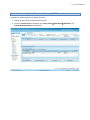
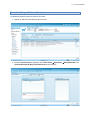
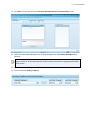
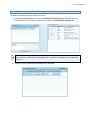
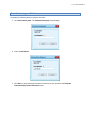
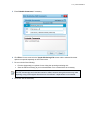
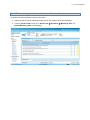
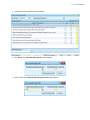
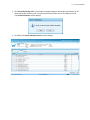
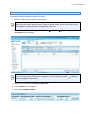
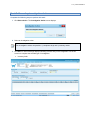
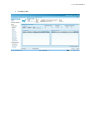
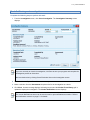
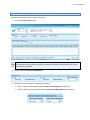
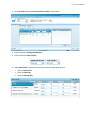
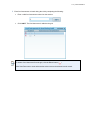
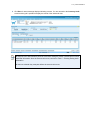
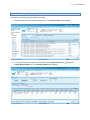
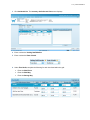
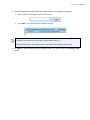
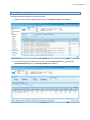
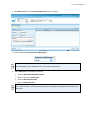
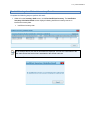
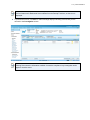
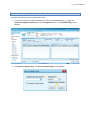
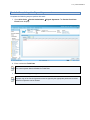
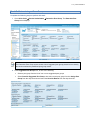
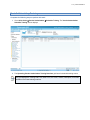
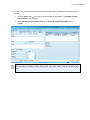
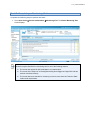
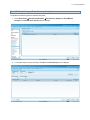
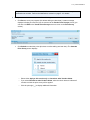
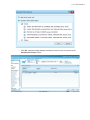
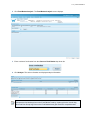
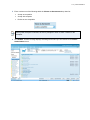
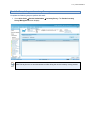
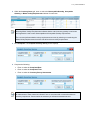
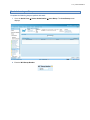
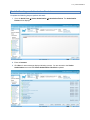
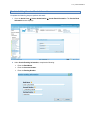
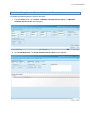
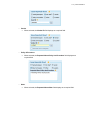
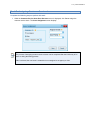
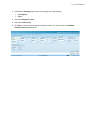
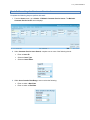
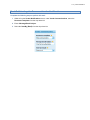
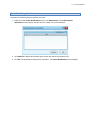
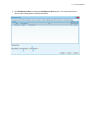
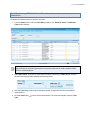
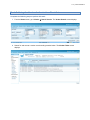
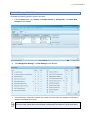
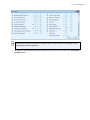
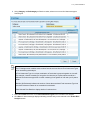
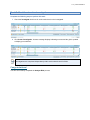
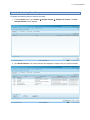
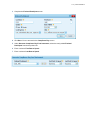
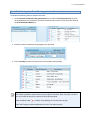
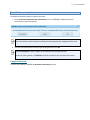
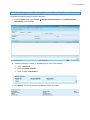
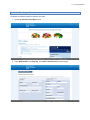
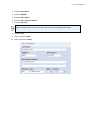
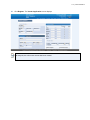
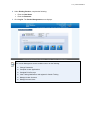
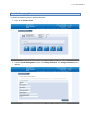
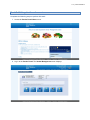
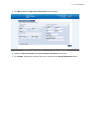
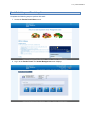
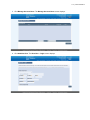
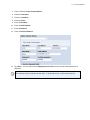
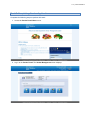
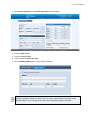
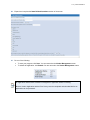
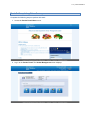
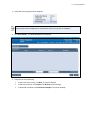
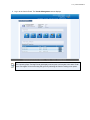
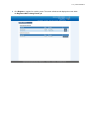
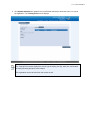
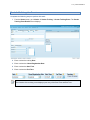
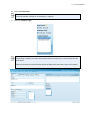
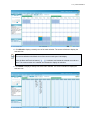
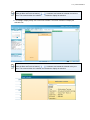
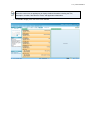
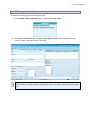
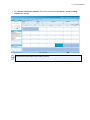
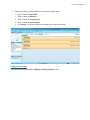
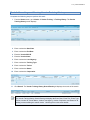
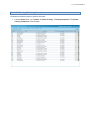
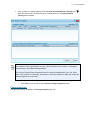
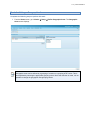
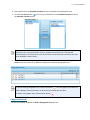
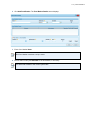
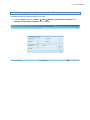
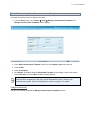
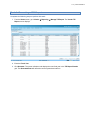
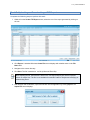
v 1.0 - posted 07/05/2014 Task A. Adding a Fictional Participant Complete the following steps to perform this task: 1. From the Home screen, go to Vendor Compliance Buy Generate Instruments. The Generate Compliance Buy Instruments screen displays. 2. Click the Add button ( ). The Fictional Participant screen displays. Alternatively, an existing Fictional Participant can be selected from the drop-down list.