1
v 1.0 - posted 07/05/2014
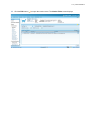
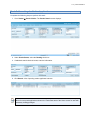
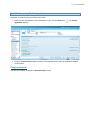
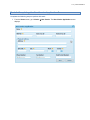
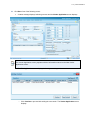
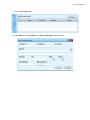
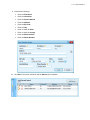
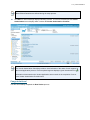
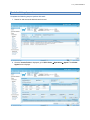
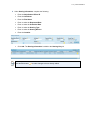
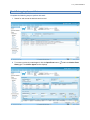
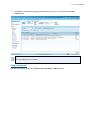
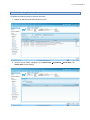
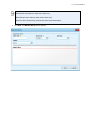
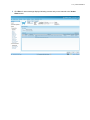
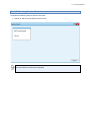
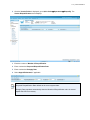
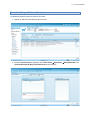
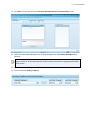
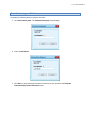
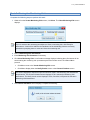
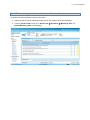
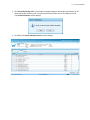
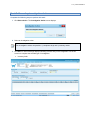
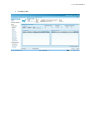
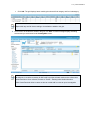
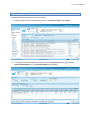
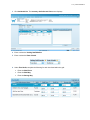
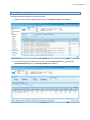
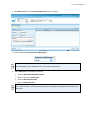
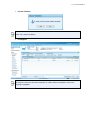
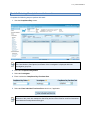
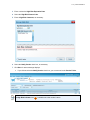
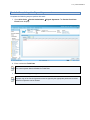
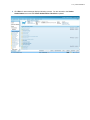
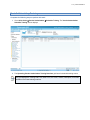
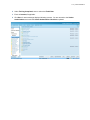
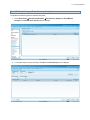
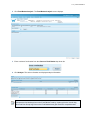
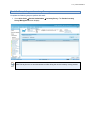
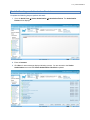
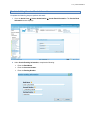
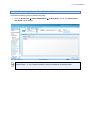
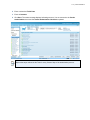
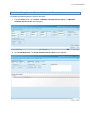
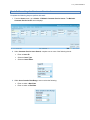
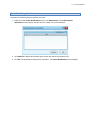
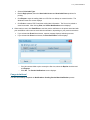
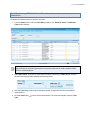
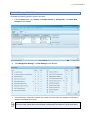
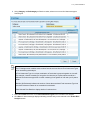
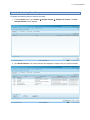
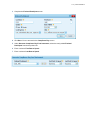
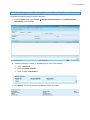
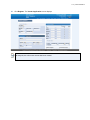
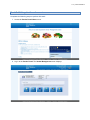
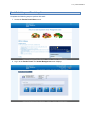
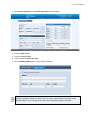
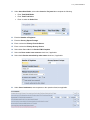
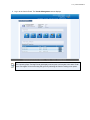
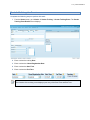
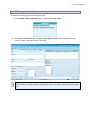
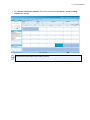
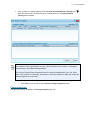
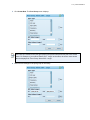
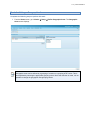
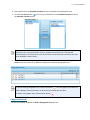
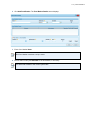
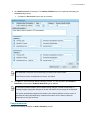
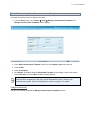
2. Click New. The Vendor Inventory Survey screen displays.
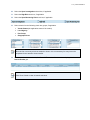
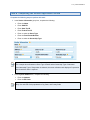
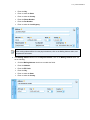
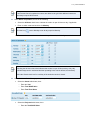
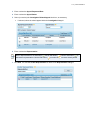
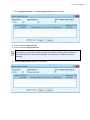
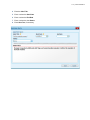
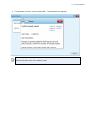
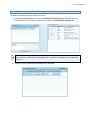
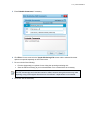
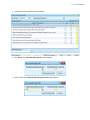
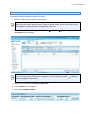
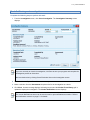
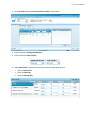
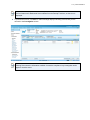
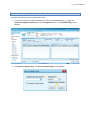
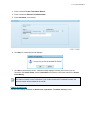
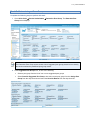
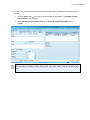
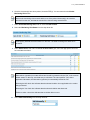
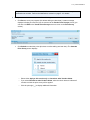
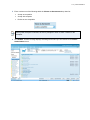
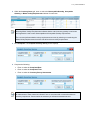
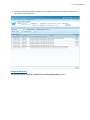
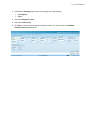
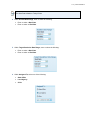
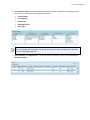
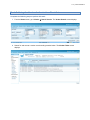
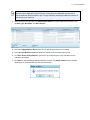
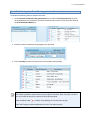
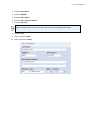
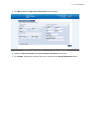
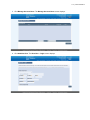
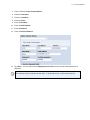
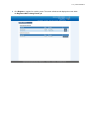
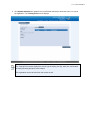
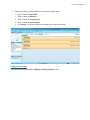
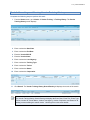
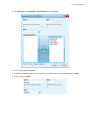
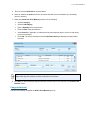
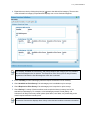
3. Under Minimum Inventory Survey Information, complete the following:
•
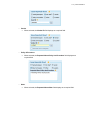
Enter or select the Survey Date.
•
Enter or select Survey Time.
•
Enter or select the Survey Status.
•
Enter or select the Survey Performed By.
•
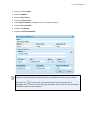
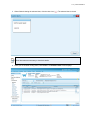
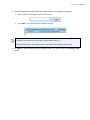
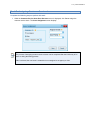
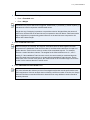
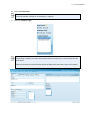
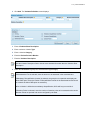
Select (or unselect) the This is an authorization related survey check box, as necessary.
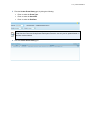
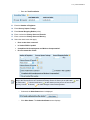
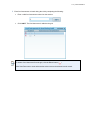
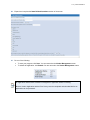
Minimum inventory survey results are automatically flagged as authorization-related if performed
as part of the authorization checklist process. This field should be left un-checked when
performing inventory surveys not related to authorization.