1
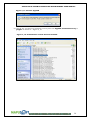
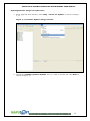
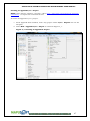
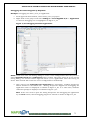
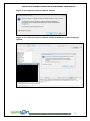
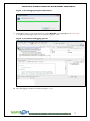
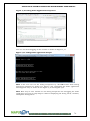
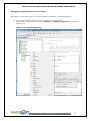
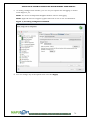
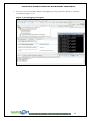
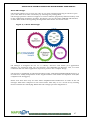
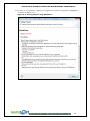
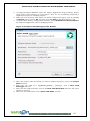
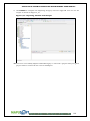
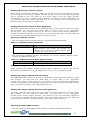
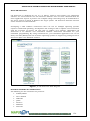
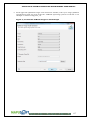
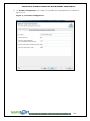
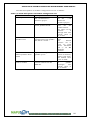
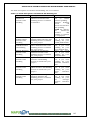
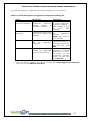
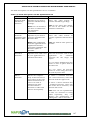
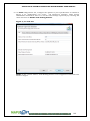
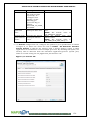
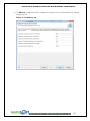
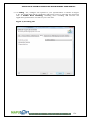
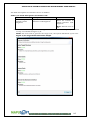
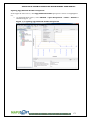
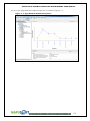
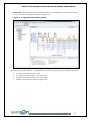
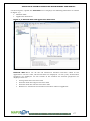
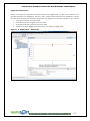
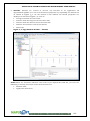
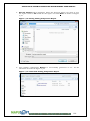
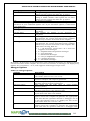
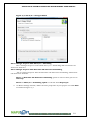
APPLICATION COMMON OPERATING ENVIRONMENT USER MANUAL Components on the App/Platform Profiler Window App/Platform Profiler window contains two panes. The left pane has three Profiler components listed and on the right pane, you can view the respective details and information in a graphical view. The three main components of App/Platform Profiler are: Profiler Data File – This is the generated profiler data file. You can view the performance report of each API. A profiler data file is saved as a .pal file extension. It has the following three components: 1. System–This displays the system details of your application as shown in Figure 7_4. If you select System tab you have the following details which are displayed on the right pane as shown in Figure 7_4. Application Info–Application property values Profiler Configuration–Profiling Application values Figure 7_4: App/Platform Profiler - System Details 175