1
Writing text in the handset
How to use the keys
3333
Chapter 3: Operating the IP Handset
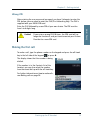
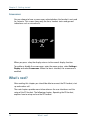
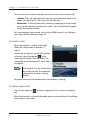
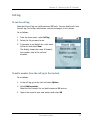
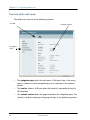
Press ∗ before the alpha-numeric key to switch between lower case, upper
case and numbers.
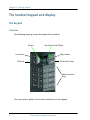
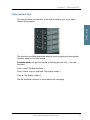
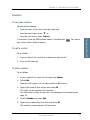
To move the cursor in the text, use the arrow keys.
To delete the letter just before the cursor, press the left select key Clear. Hold
the key to delete all the text.
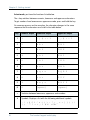
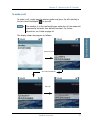
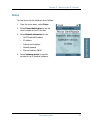
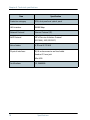
For a list of the key-functions in text-mode, see the table on page 18.
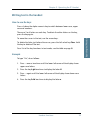
Example
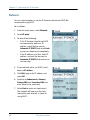
To type “He”, do as follows:
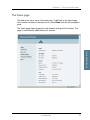
1. Press ∗ one or two times until the lower left corner of the display shows
upper case letters.
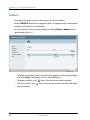
2. Press the key 4 ghi two times to display the letter H.
3. Press ∗ again until the lower left corner of the display shows lower case
letters.
4. Press the key 3 def two times to display the letter e.
Handset functions
33
Operating the IP Handset
There are 3 or 4 letters on each key. To obtain the other letters on the key,
press the key again.