1
Section 15. Troubleshooting Guide
•
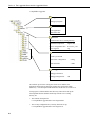
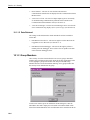
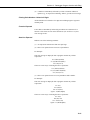
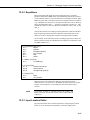
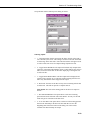
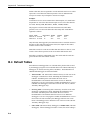
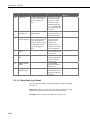
3 - At Newest: This option will set the starting position to the last record
stored in the data cache. This last record and any future records stored
will be output.
•
4 - After Newest: This option will set the starting position to be the next
record stored in the data cache. Output begins with the next record stored
in the data cache. No historical records will be output.
•
5 - Relative to Newest Stamp: This option starts from the most recent
record collected. The Starting Position specifies how many records back
from the write index should be collected. For example, a starting position
of 10 will get the 10 most recent records.
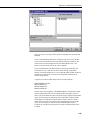
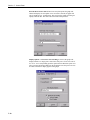
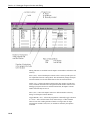
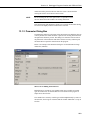
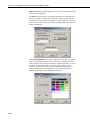
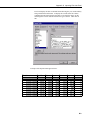
The Starting Position, RecNo, FileMarkNo, and Beginning Date edit boxes are
used only with the corresponding start options above.
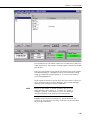
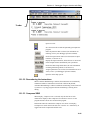
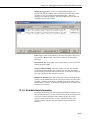
Once the start options have been set, click on the OK button to start writing to
the file. The records are always displayed in the list box on the bottom of the
screen. If you have set up an output file they are also sent to the output file.
15-14