1
LCR-8000G Series User Manual
Multi-Step Program Run
Run program
Panel operation
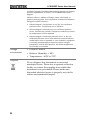
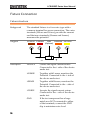
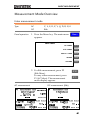
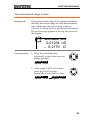
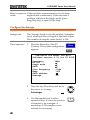
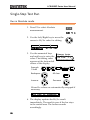
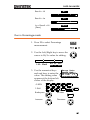
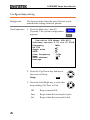
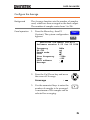
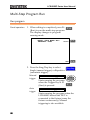
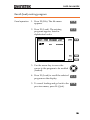
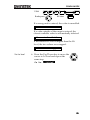
1. When editing is completed, press F6
(Run) to run the multi-step program.
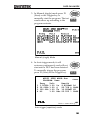
The display changes to program
running mode.
MULTI STEP MODE – Run
PROGRAM: Demo
F6
Start
F1
SET
F6
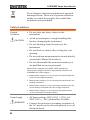
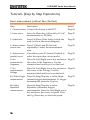
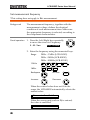
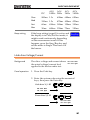
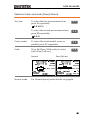
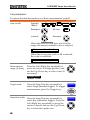
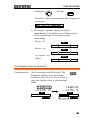
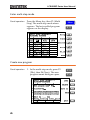
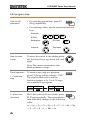
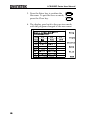
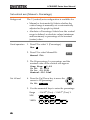
2. Press the Sing/Rep key to select
Sing/Rep
Single (manual trigger) or Repetitive
(automatic trigger).
Manual
trigger
Auto
trigger
80
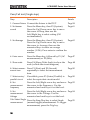
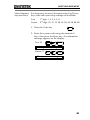
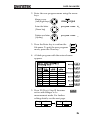
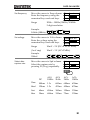
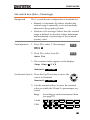
Manual trigger
Starts running the program
when the Trigger key or F1
(Start) is pressed.
Trig
F1
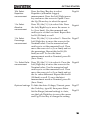
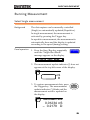
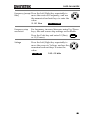
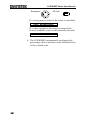
Auto trigger
Starts running the program when the
LCR-8000G detects the DUT is
connected to the fixture (scans the
fixture continuously). Manual
triggering is also available.