1
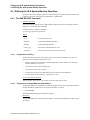
Performing Save Operations
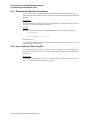
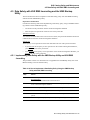
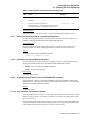
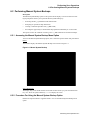
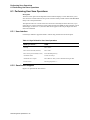
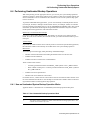
6.2 Performing Manual System Backups
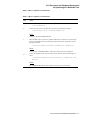
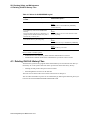
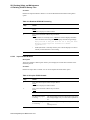
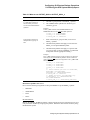
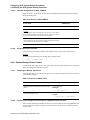
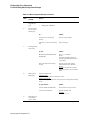
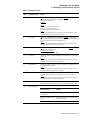
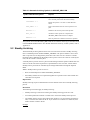
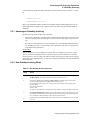
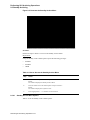
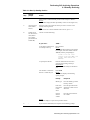
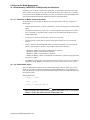
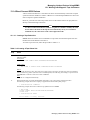
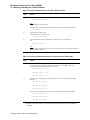
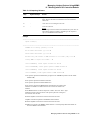
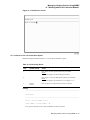
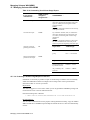
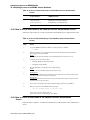
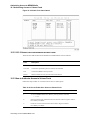
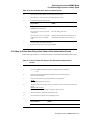
Table 6–4 Manual System Backup Procedure
Step
9.
10.
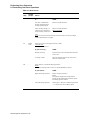
System
Prompt
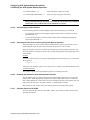
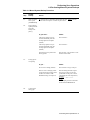
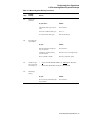
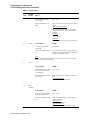
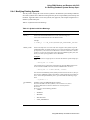
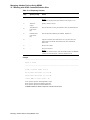
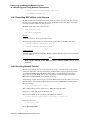
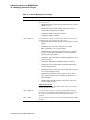
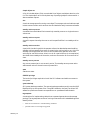
Save set name
expression [DODISK+”.BAK”]
Action
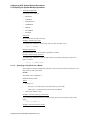
Enter the format used to create save set names.
Naming conventions:
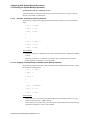
The save set name generally uses the disk name plus the day or date to
make it unique.
Character limit:
VMS Backup writes the first 17 characters of a save set name and
responds only to that length on RESTORE operations.
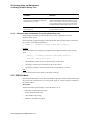
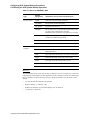
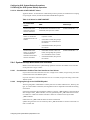
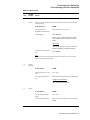
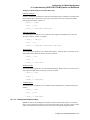
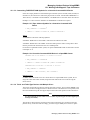
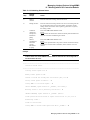
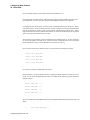
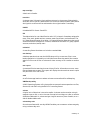
Use the following symbols to generate a save set name.
•
NODE-Node on which the backup is executed.
•
DO_DISK-Device name without the colon
(MSVAX$DUA0).
•
DO_FILES-Parsed file specification
(MSVAX$DUA0:[*...]*.*;*).
•
DAY-Day of week (MONDAY).
•
DAY3-Three-character day of week (MON).
•
DOM-Two-digit day of month (29).
•
MONTH-Three-character month name (APR).
•
MONTHN-Two-digit numeric month (04).
•
YEAR-Four-digit year (1990).
•
TOPDIR-Top level directory name of DO_FILES.
•
FNAME-File name portion of DO_FILES.
•
FTYPE-File type portion of DO_FILES, without the leading
“.”.
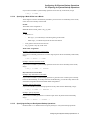
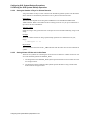
Example:
DO_DISK + DAY + “.BAK”
Result:
Save set name DUA1TUESDAY.BAK
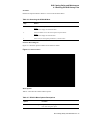
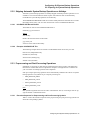
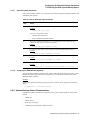
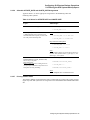
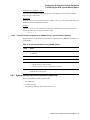
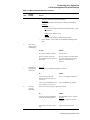
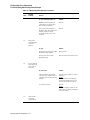
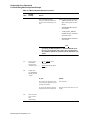
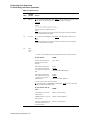
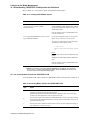
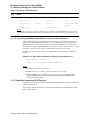
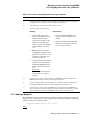
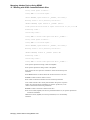
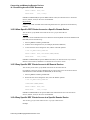
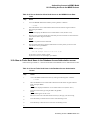
What on-line
history set is to
be updated
[None]?
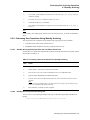
Performing Save Operations 6-10
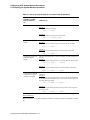
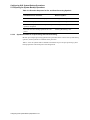
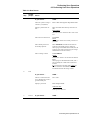
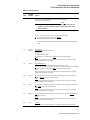
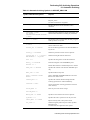
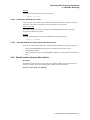
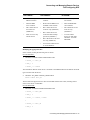
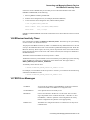
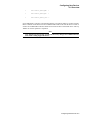
IF you ...
THEN ...
Do not want the history recorded
(default)
Press <Return> and go to Step 13.
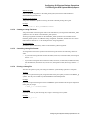
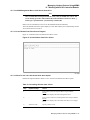
Want to see a list of currently
defined sets
Press <?>.
Want an on-line history of saved
files
Enter the name of the history set,
press <Return> and go to Step 11.